




Simon Coulthard January 27, 2026
- Custom Dashboard Editing Now Available for "Editor" Contributors
- Behavior Analytics Summaries Now Consistent Across the Master Dashboard
- Improved Platform Layout for Smaller Screens
- Clearer Benchmark Selection in Competition
- Tab-Key Keyboard Navigation Now Available in Core Modules
- What’s Next from TWIPLA
Platform News - January 2026

Welcome to Platform News – January 2026, and the first platform update of the year.
This edition rounds up the most relevant changes released across TWIPLA over the past month. You’ll find updates focused on everyday usability, clearer configuration, and smoother collaboration, alongside an early look at what’s starting to take shape for the months ahead.
Use the table of contents on your left to jump straight to the sections you’re most interested in, or scroll through for the full overview.
If you’d like to receive platform news automatically at the end of each month and stay up to date with updates and upcoming releases:
Custom Dashboard Editing Now Available for "Editor" Contributors
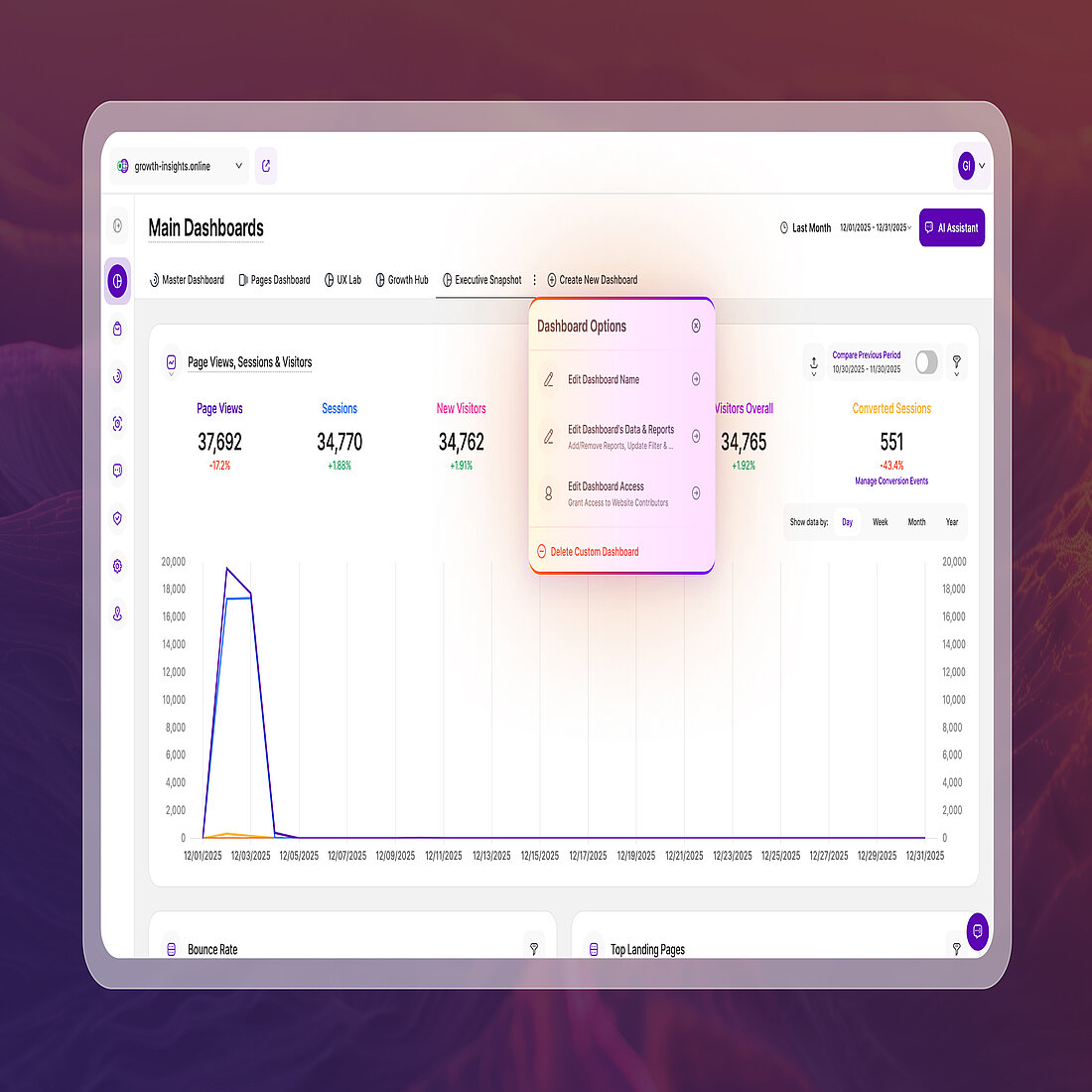
Editing existing custom dashboards is no longer limited to Website Owners. Editors can now step in to update and maintain dashboards themselves, removing unnecessary bottlenecks in day-to-day work.
This change was driven directly by customer feedback, particularly from larger teams such as TUM, where relying on a single admin to make every dashboard adjustment created unnecessary friction. With this update, Editors can fine-tune dashboards themselves while ownership and structural control remain protected.
Editors can now:
- Edit report blocks within existing custom dashboards
- Adjust dashboard-level filters
- Save updates to existing custom dashboards
Editors cannot:
- Create new custom dashboards
- Delete existing custom dashboards
These changes make it easier for teams to keep dashboards accurate and up to date without relying on a single owner.
Behavior Analytics Summaries Now Consistent Across the Master Dashboard
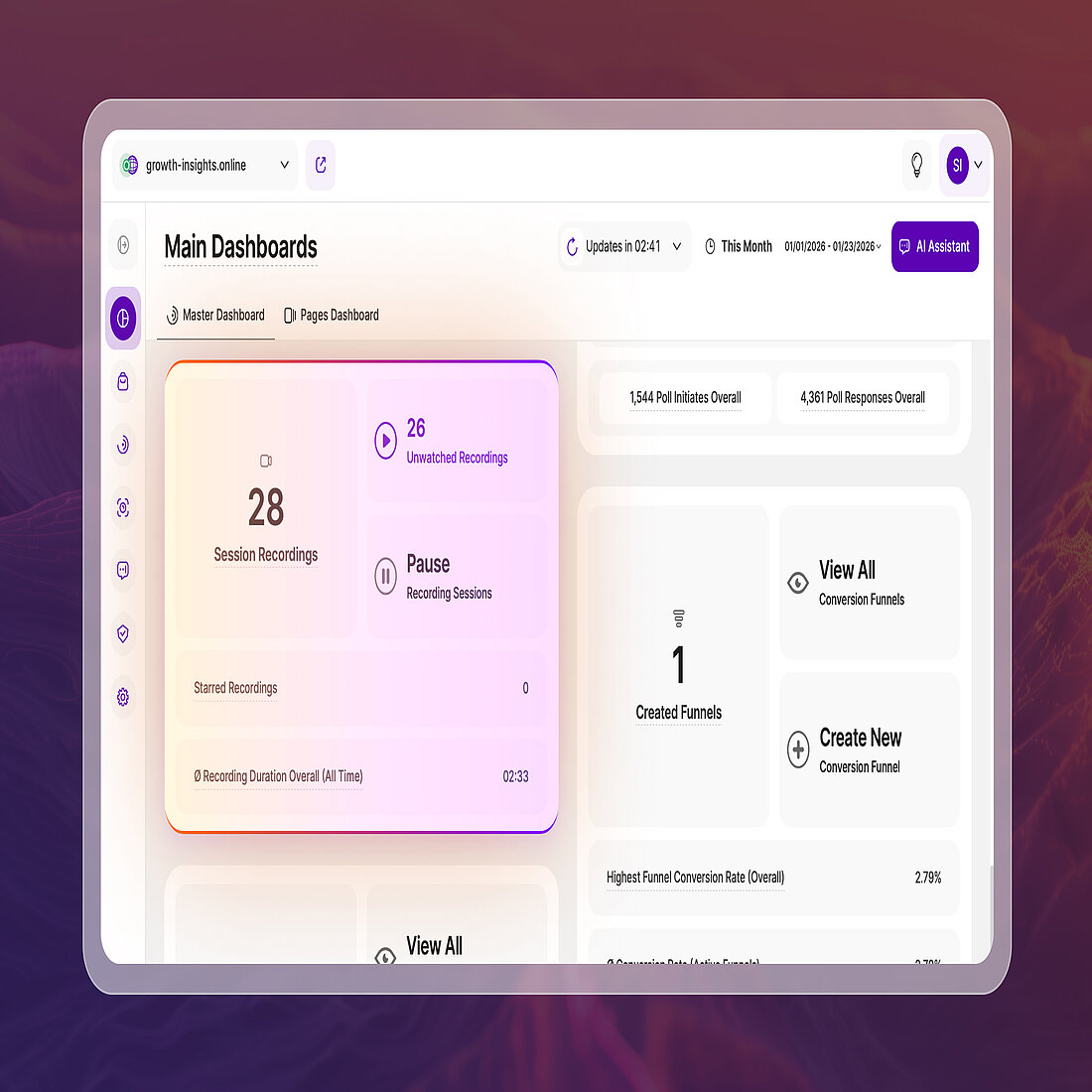
Visitor behavior analytics feature summary report blocks across the Master Dashboard have been updated to ensure they accurately reflect the selected time period and follow a consistent, up-to-date design.
Previously, some summaries could display metrics that did not fully align with the active date range, or used outdated layouts and icons. These inconsistencies have now been resolved across all visitor behavior summaries.
These updates apply consistently across the following report blocks:
Now, these all follow the same calculation logic, match the current report block design, and use consistent, correct iconography, making the Master Dashboard easier to scan and trust at a glance.
Improved Platform Layout for Smaller Screens
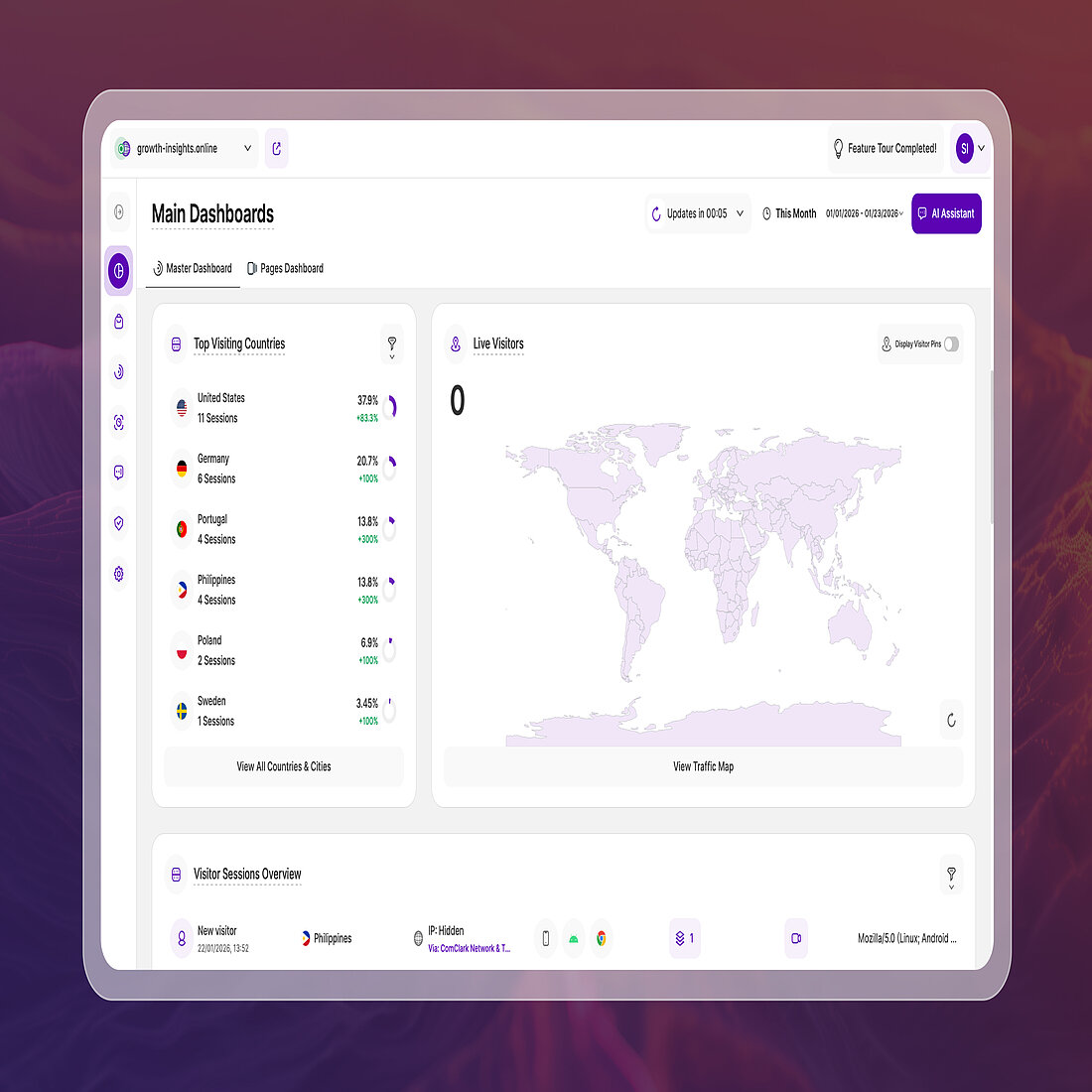
Interface elements across the platform have been adjusted to display more comfortably on smaller screens. Key areas now make better use of available space, reducing the need to zoom or scroll when working in more compact views, without changing how features behave.
This update is especially noticeable in embedded or constrained environments, where browser zoom is not available. The refined layout feels less cramped and makes navigation and daily use more comfortable across the platform.
Clearer Benchmark Selection in Competition
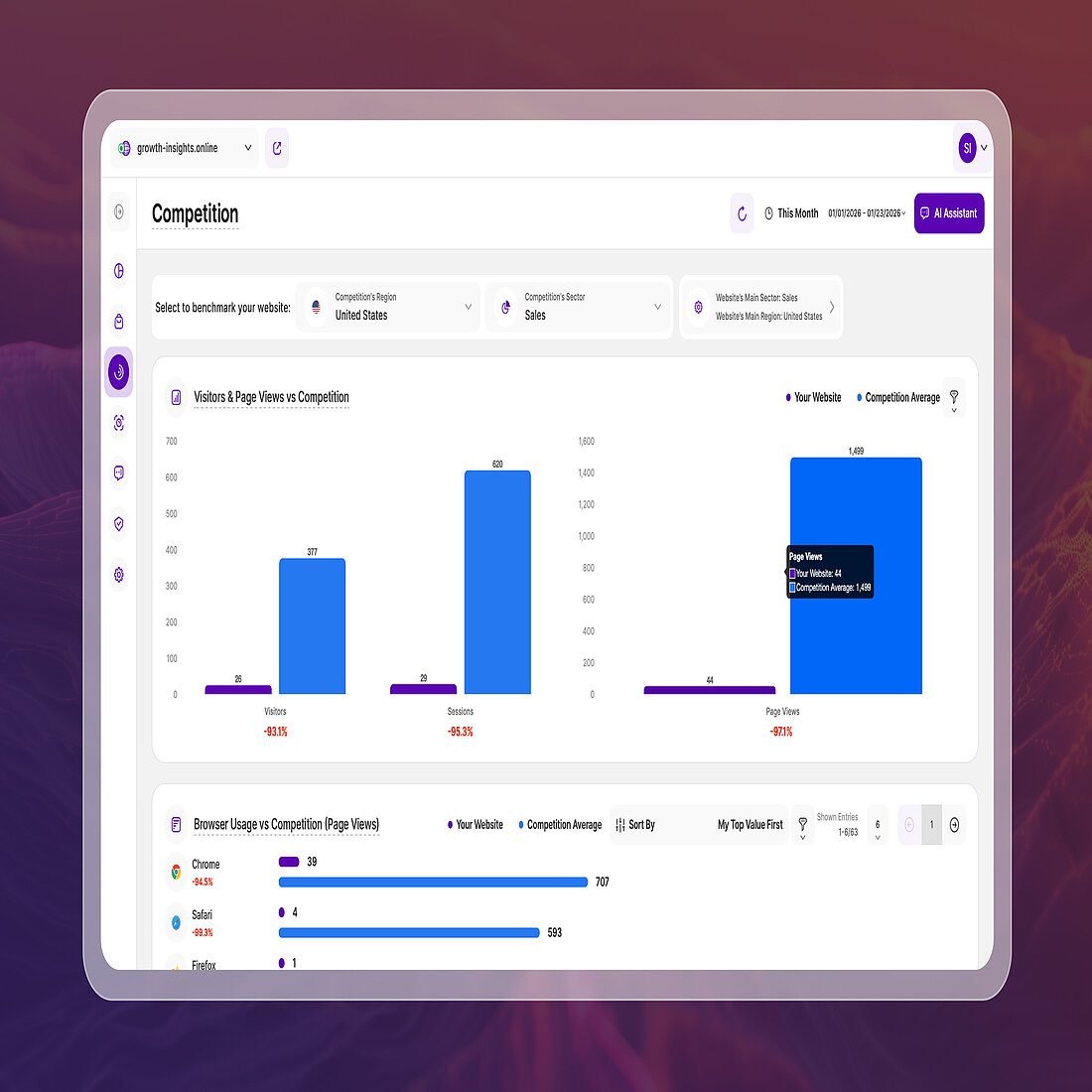
The benchmark selection within Competition has been reworked to make it clearer what you are comparing your website against and how those comparisons are calculated.
The header now clearly separates the competition benchmark settings (business sector and region) from your website’s own sector and region. This makes it easier to understand which values define the benchmark and which ones belong to your site. Your website’s sector and region are shown separately, with a direct link to update them in the website settings if needed.
Alongside this structural change, labels have been refined and tooltips expanded to better explain how benchmark data is collected and calculated. The underlying data calculations have also been improved, resulting in more reliable comparisons and a clearer overall experience when working with competitive benchmarks.
Tab-Key Keyboard Navigation Now Available in Core Modules
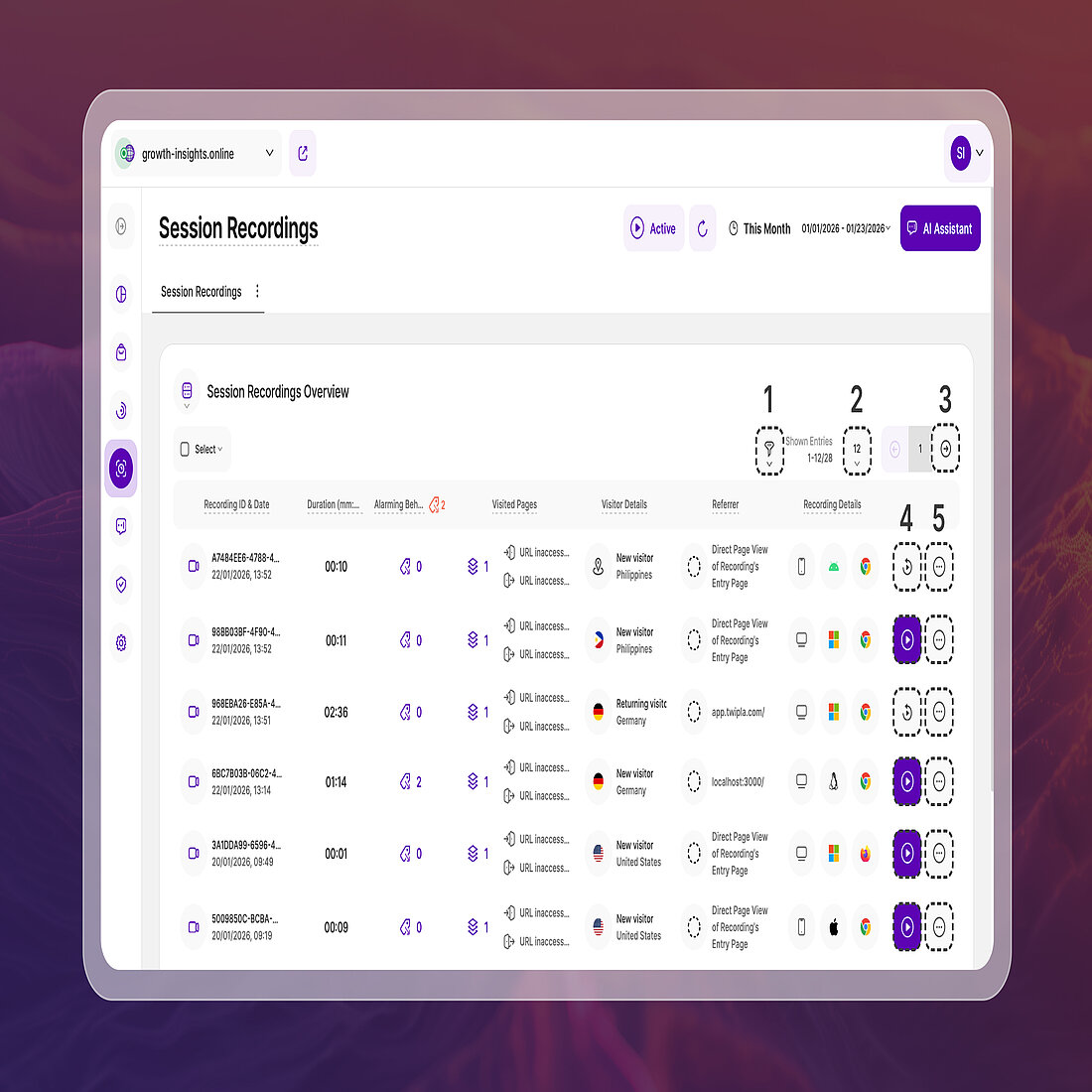
Tab-key keyboard navigation has been introduced across several areas of the platform, improving accessibility by allowing users to move through key interface elements without using a mouse.
Navigation follows standard keyboard behaviour, using Tab and Shift + Tab to move between interactive elements, with Enter or Spacebar used to activate selections.
Keyboard navigation is currently supported in the following areas:
Clear focus indicators highlight the active element as you move through the interface, making these areas easier to use for people who rely on keyboard interaction while also improving overall usability for all users.
Keyboard navigation support will continue to be expanded to additional areas over time.
What’s Next from TWIPLA
Alongside the updates highlighted above, a number of smaller improvements and bug fixes have also been rolled out across the platform to improve stability and day-to-day usability.
You may also notice references to upcoming capabilities within the platform, including the AI Analytics report block now visible in the Master Dashboard. These reflect features currently in development and planned for release throughout 2026, giving an early view into where the platform is heading. To keep an eye on what we've got planned for the future, feel free to visit our Roadmap.
We’ll continue to share progress as new modules and enhancements move closer to release. To stay up to date with platform updates, feature launches, and monthly summaries like this one, receive Platform News directly at the end of each month.
Thanks again for choosing TWIPLA and happy analytics.
Share article


Get Started for Free
Gain World-Class Insights & Offer Innovative Privacy & Security

You might also like

 22 December 2025 - by Simon Coulthard

Read next