Simon Coulthard April 17, 2026
- [Your Analytics Only Captures Part of the Story]
- What Changed in Firefox’s Terms of Use and Privacy Notice?
- Why Firefox Privacy Changes Matter Beyond Firefox
- How Browser Privacy Changes Affect Website Analytics
- Why Privacy-Friendly Website Analytics Is Getting Harder
- What Website Owners Should Do About Browser Tracking Changes
- How TWIPLA Helps You Handle Browser Privacy and Data Loss
- [Don't Base Decisions on a Fraction of Your Traffic]
- This Shift Is Only Getting Started
- Frequently Asked Questions
- What are Firefox privacy changes and how do they impact website analytics?
- How do browser privacy features affect website tracking and data accuracy?
- Why is traffic missing from my website analytics reports?
- How can I reduce data loss from browser privacy restrictions?
- What is privacy-friendly website analytics and how does it work?
Firefox Privacy Changes Reveal a Bigger Problem for Website Analytics
Mozilla’s new Firefox terms signal a shift in how browsers handle data

Firefox privacy changes highlight a growing reality:
One in five conversions are lost to browser restrictions.
Reported by The Drum, this points to a broader shift where browsers are significantly reducing the visibility of visitor data in standard analytics.
So while Mozilla’s new Firefox Terms of Use and Privacy Notice may look like legal housekeeping at first glance, they point to something bigger.
Browsers are becoming more active in how they filter data, limit tracking, and control what analytics platforms still capture.
Website analytics already struggles with missing traffic, broken attribution, and incomplete visitor journeys. And as browser privacy changes continue, those blind spots only grow.
As such while this story starts with Firefox, it doesn't end there. It reflects a wider shift in how browsers now shape data visibility, and what that means for anyone trying to understand website performance.
→ Subscribe to the Newsletter
Stay ahead of what’s working in marketing. Get practical insights, new TWIPLA use cases, and product updates to your inbox once a month.
Your Analytics Only Captures Part of the Story
Browser privacy changes can hide meaningful traffic, distort attribution, and leave gaps in your visitor journey data.
TWIPLA helps you recover clearer visibility without forcing a one-size-fits-all privacy setup.
What Changed in Firefox’s Terms of Use and Privacy Notice?
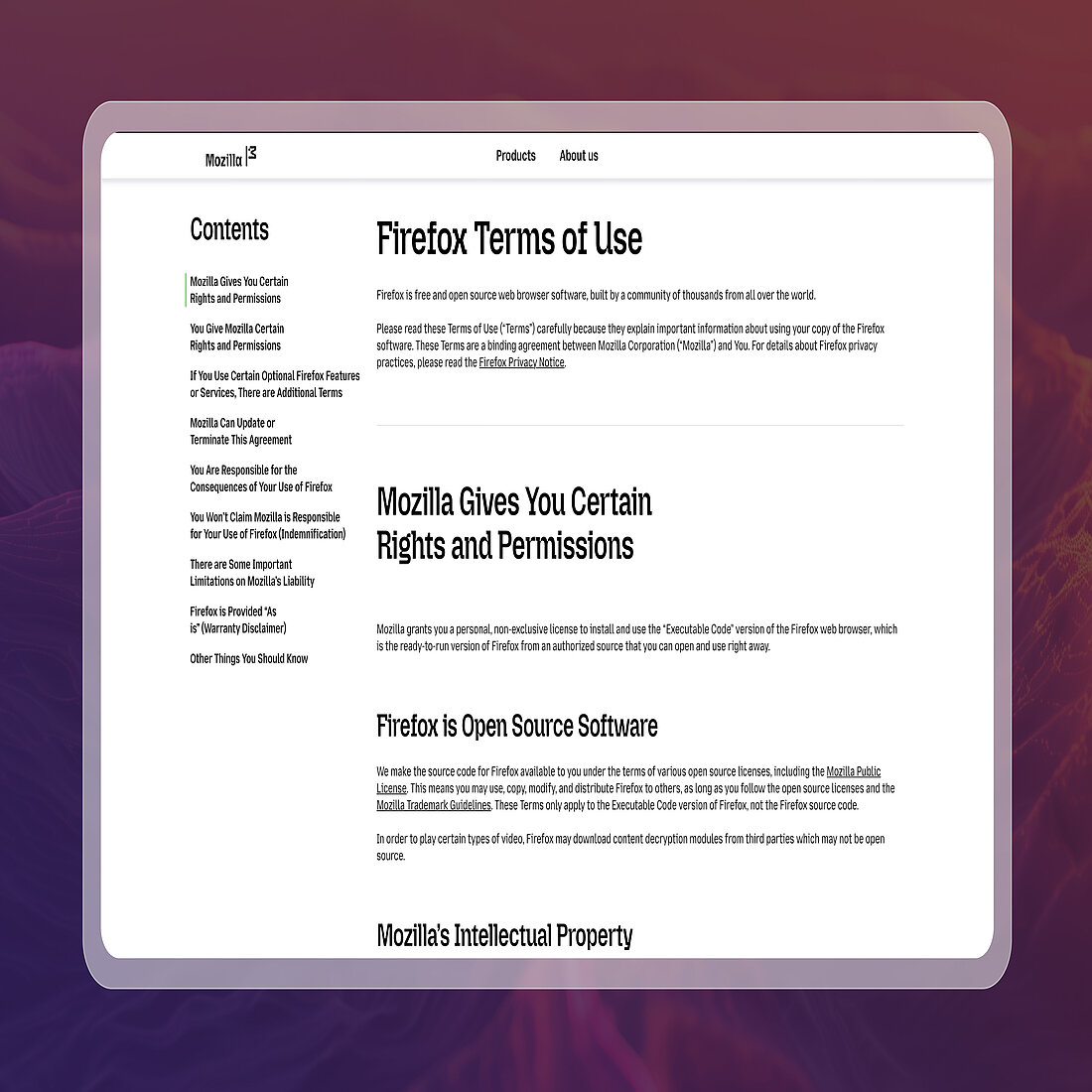
Mozilla’s latest Firefox updates go beyond a routine legal refresh. They introduce formal Terms of Use for Firefox, revise parts of the Privacy Notice, and update how the browser explains data use.
The company announced the changes in February 2025 but many users are only noticing them now because the rollout started with new users.
Mozilla said the change reflects a more complex product and data landscape, requiring clearer explanations of how Firefox handles data.
Here’s what changed:
- Firefox now has formal Terms of Use
For the first time, Firefox has a dedicated Terms of Use page that governs the ready-to-use browser, not just its open-source code. Mozilla said this was meant to make rights and permissions clearer for users. - A data license clause drew attention
One of the most discussed additions was language explaining that Mozilla needs rights to process content users input into Firefox so the browser can function properly. After backlash, Mozilla clarified that this does not give it ownership of user data. - Privacy wording became more cautious
Mozilla also stepped away from blanket wording like “we never sell your data.” Instead, it now explains that legal definitions of “sale” vary across jurisdictions, especially under modern privacy laws. - AI and sponsored content are more visible in the policy language
The updated Privacy Notice and explanations also reflect how Firefox now handles newer product areas, including AI-powered features and sponsored experiences.
These are not dramatic product changes on their own. However, they do reveal something bigger:
Browsers need to now explain data use much more carefully because they play a much more active role in data handling.
Why Firefox Privacy Changes Matter Beyond Firefox

Firefox is not the only browser moving in this direction. It just makes the shift easier to spot.
Across the browser market, privacy is no longer just a visitor preference. Browsers now enforce it through tracking prevention, cookie restrictions, storage limits, and stronger data controls.
Features like tracker blocking, storage partitioning, and cookie isolation are also no longer edge protections. Browsers now build them into the browsing experience itself.
Other major browsers already do the same:
- Safari limits cross-site tracking through Intelligent Tracking Prevention, restricting tracking pixels and shortening cookie lifespans
- Brave blocks trackers, fingerprinting, and even cookie consent prompts by default, changing how consent-based analytics works
- Chrome is phasing out third-party cookies while expanding its Privacy Sandbox, reshaping attribution and tracking
- Edge applies tracking prevention levels that actively reduce cross-site data collection
Website owners do not only depend on their analytics setup. They also depend on the environment around it. And right now, that environment keeps changing.
So while Firefox privacy changes may look superficial, they reflect a broader reality. Browsers are becoming much more active data gatekeepers.
How Browser Privacy Changes Affect Website Analytics
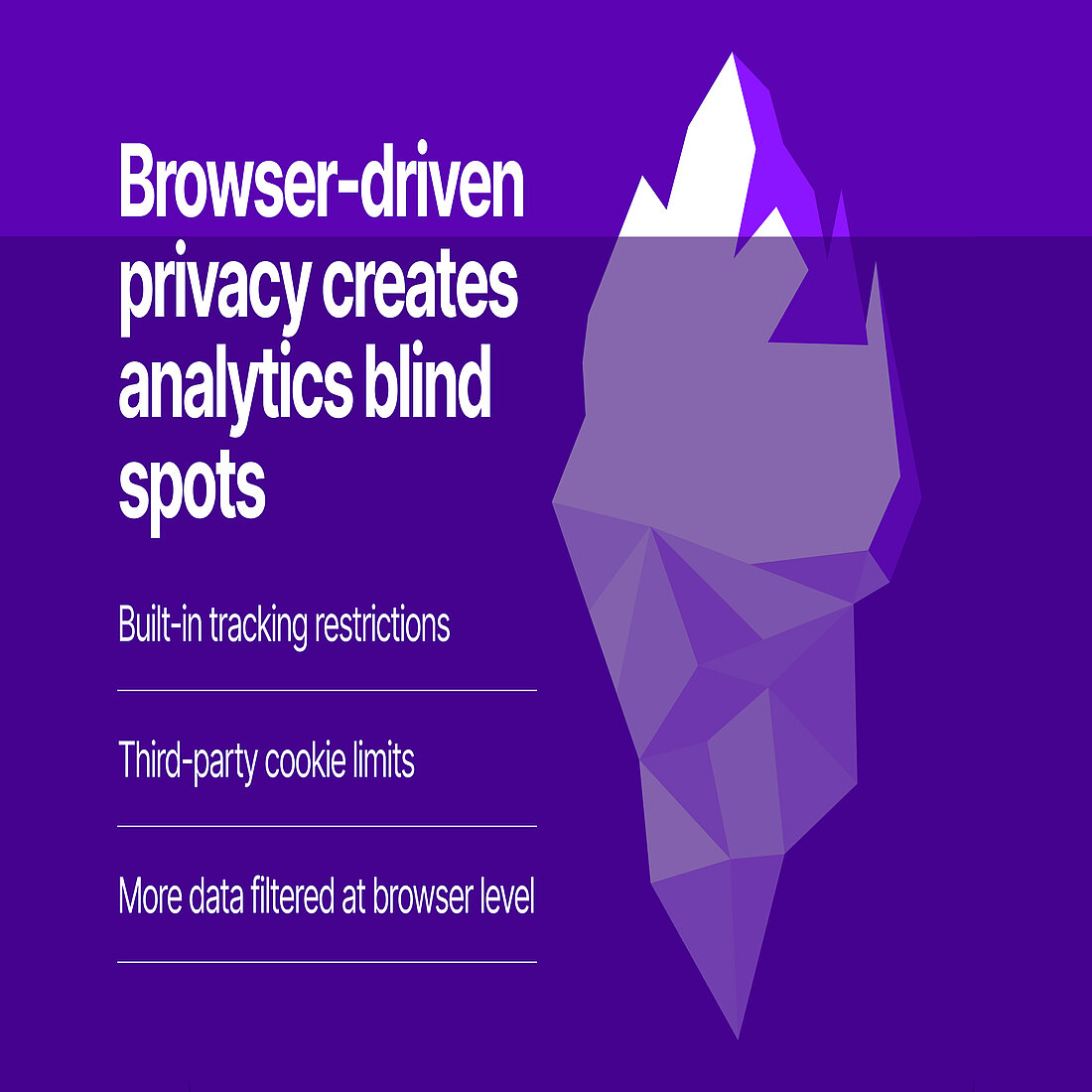
Browser privacy changes affect analytics by reducing what tools can still see, connect, and trust.
Modern browsers now use features like tracking protection, cookie restrictions, and storage partitioning. All of these directly affect how analytics tools collect data.
For example, browser-level privacy protections can disrupt website analytics in several ways:
- Session tracking breaks: Scripts can be blocked or limited, so analytics tools do not record visits fully or consistently
- Traffic attribution weakens: Referrer data and tracking parameters can be stripped or restricted, making sources like search, ads, or social harder to identify
- Return visitors go unrecognized: Cookie limits and storage restrictions prevent browsers from reliably recognizing visitors across sessions
- Cross-domain tracking fails: Third-party cookie restrictions and storage partitioning break journeys across campaigns, subdomains, or external tools
- Conversion paths lose clarity: When sessions and sources are disrupted, it becomes harder to connect key actions back to what drove them
As a result, website analytics can start looking more complete than they really are.
That creates a hidden problem: Teams make decisions based on partial visibility while believing they have the full picture.
In some cases, businesses make decisions based on only a fraction of their real traffic.
Incomplete data does not just reduce accuracy. It creates false certainty. Teams optimize the wrong things, trust incomplete reports, and struggle to explain why results do not match expectations.
Why Privacy-Friendly Website Analytics Is Getting Harder
Privacy-friendly website analytics matters more than ever. But it is also getting harder to maintain.
Even outside the browser, multiple factors now reduce what gets tracked before analytics tools can capture anything.
Consent prompts are one of the biggest barriers. When visitors decline or ignore them, large parts of traffic disappear from standard reports.
Ad blockers and script filtering tools add another layer. In some cases, up to 80% of domain sessions can be excluded before the analytics script even runs, meaning entire visits never reach your reports.
At the same time, tracking only works when several conditions are met. Browsers must allow cookies. Visitors must accept consent banners. And scripts must load without blockers stopping them. If any of these fail, the visit is lost.
This creates a compounding effect. Data does not just reduce in one place. It disappears across multiple layers at once.
Even when businesses try to respect data privacy, they often end up with less visibility than expected.
This is the real challenge. It is no longer just about compliance. It is about whether your analytics can still reflect what actually happens on your site.
What Website Owners Should Do About Browser Tracking Changes
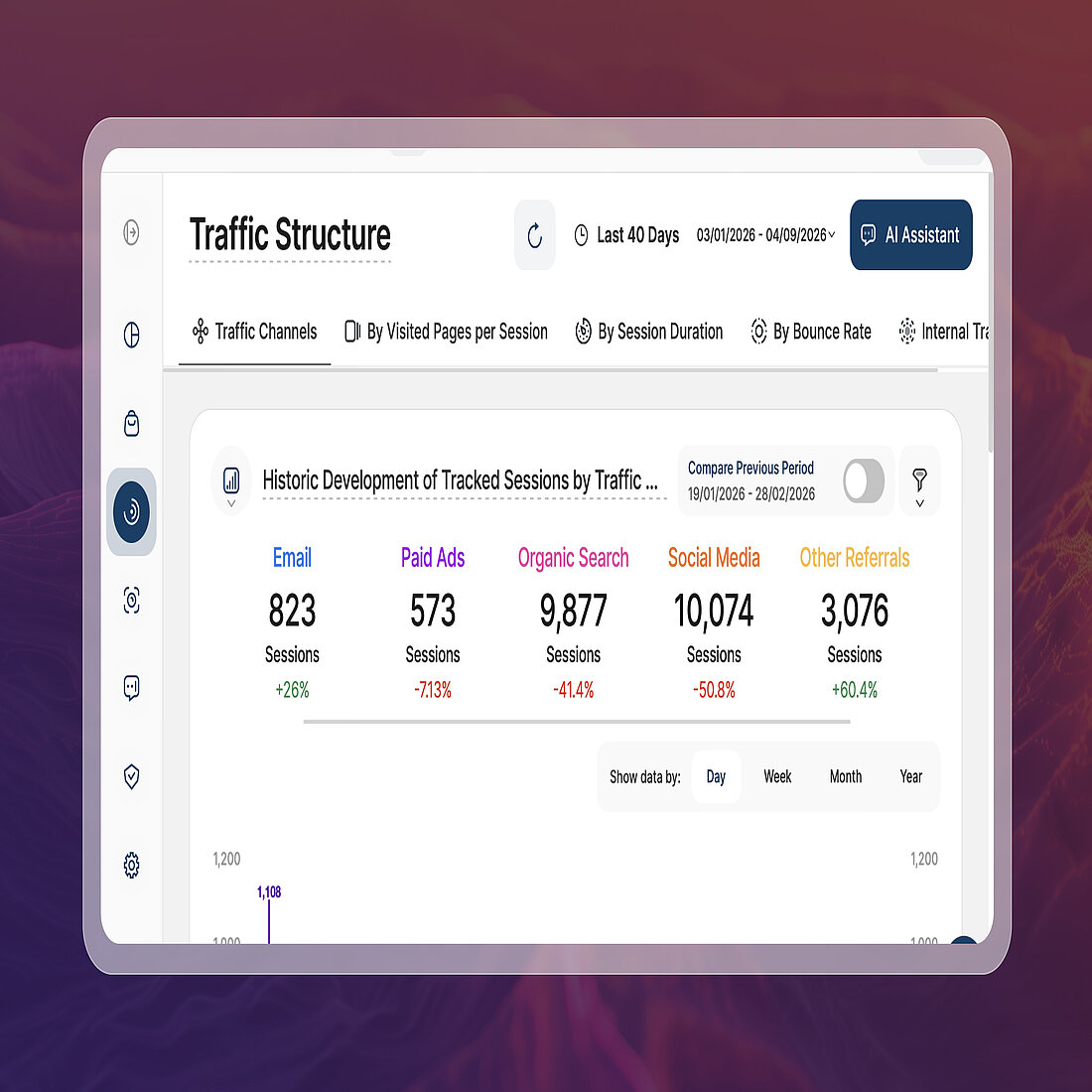
To stay confident in your decisions, you need to validate and strengthen your data from multiple angles:
- Question what your analytics shows
Most tools do not report what they miss, so your data may look more complete than it really is. Review how your platform tracks visitors and where gaps may occur, especially if it relies on cookies or consent. - Compare analytics with server-side data
Server logs capture all incoming requests to your domain, regardless of browser restrictions. Comparing these with your analytics reports can reveal how much traffic you lose before tracking begins. - Cross-check with ad platform data
Platforms like Google Ads and Meta Ads report clicks independently of your analytics tool. If click numbers are significantly higher than recorded sessions, this is a clear sign of tracking loss. - Test alternative analytics approaches
Using a second analytics tool alongside your main setup can help highlight discrepancies. Privacy-focused platforms like Plausible or Matomo often capture data differently, which can reveal gaps in your primary reports. - Prioritize consistency over precision
As tracking gaps increase, exact numbers become less reliable. Focus on trends, patterns, and relative performance instead of absolute figures. - Reduce reliance on fragile tracking methods
Tools that depend on cookies, consent banners, or third-party delivery are more likely to lose data. Moving toward more resilient tracking approaches improves consistency across your reports.
But even with these steps, most setups still rely on conditions that browsers and tools increasingly restrict.
How TWIPLA Helps You Handle Browser Privacy and Data Loss
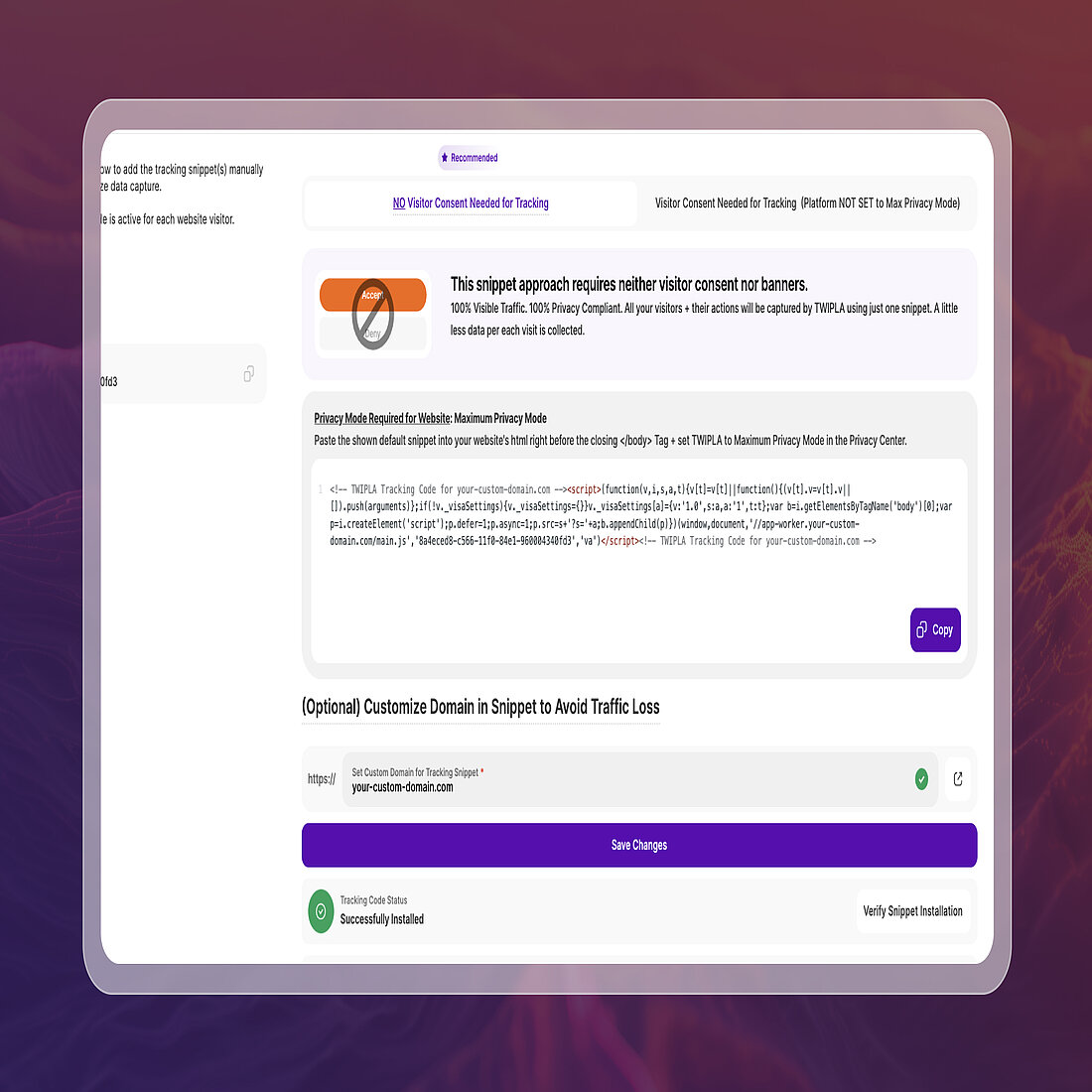
Most analytics setups now depend on conditions they cannot control, which is why they keep losing data.
Browsers restrict tracking. Visitors decline consent. Scripts get blocked before they run.
TWIPLA removes these dependencies to give you a far clearer view of your traffic.
- Cookieless tracking by design
TWIPLA does not rely on cookies to track visitors, so data is not lost when browsers limit or block cookie-based tracking. - Consentless and consent-based tracking
Dual tracking modes allow you to capture compliant data from both opt-in and opt-out visitors, instead of losing large portions of traffic when consent is declined. - First-party tracking code setup
Tracking runs through your own domain, reducing the likelihood of scripts being blocked before they load.
This approach allows TWIPLA to capture what is effectively a real 100% view of your website traffic, including visitors that most analytics platforms never record.
And it does this without creating compliance risks.
TWIPLA’s Maximum Privacy Mode is built to meet all global privacy standards by default, so you can track visitors without cookies, consent banners, or legal uncertainty.
But recovering traffic is only part of the picture.
TWIPLA connects that visibility to a complete website intelligence suite, with more than 20 analytics tools covering traffic structure, behavior analytics, conversions, and visitor feedback.
You can see how visitors move through your pages, where they drop off, and which sources drive results - in real-time, and all from a single unsiloed platform.
This is why more than 2.5 million domains use TWIPLA to understand performance without relying on incomplete data.
Instead of working around browser restrictions, consent gaps, and blockers, you can finally measure what is actually happening on your site.
Don't Base Decisions on a Fraction of Your Traffic
If your analytics only captures part of the story, every decision you make carries hidden risk.
TWIPLA helps you recover clearer traffic visibility, connect visitor behavior with outcomes, and understand performance with fewer blind spots.
This Shift Is Only Getting Started
Firefox privacy changes are not a temporary disruption.
They reflect a wider shift in how browsers now shape what website owners can still measure.
As that shift continues, the gap between what actually happens on your site and what your analytics reports will only grow.
The businesses with the clearest view will not be the ones patching gaps in their data.
They will be the ones who can see more of what others cannot.
→ Subscribe to the Newsletter
Stay ahead of what’s working in marketing. Get practical insights, new TWIPLA use cases, and product updates delivered to your inbox once a month.
Frequently Asked Questions
What are Firefox privacy changes and how do they impact website analytics?
Firefox privacy changes refer to updates in how the browser limits tracking, controls data access, and explains data use through its Terms of Use and Privacy Notice. These changes reduce how much visitor data analytics tools can collect, especially when tracking relies on cookies or third-party scripts. As a result, website analytics may miss sessions, misattribute traffic sources, and show incomplete visitor journeys. This makes performance data less reliable and harder to act on.
How do browser privacy features affect website tracking and data accuracy?
Browser privacy features such as tracking prevention, cookie restrictions, and storage partitioning directly limit how analytics tools collect and connect data. They can block scripts from running, restrict identifiers used to recognize returning visitors, and remove or shorten tracking data like referrers and cookies. This leads to gaps in session tracking, weaker attribution, and reduced data accuracy. Even well-configured analytics setups can lose visibility when browsers filter data before it reaches the tool.
Why is traffic missing from my website analytics reports?
Traffic is often missing because modern browsers, ad blockers, and consent choices prevent analytics scripts from capturing visits. If a visitor declines a consent banner, uses a privacy-focused browser, or blocks tracking scripts, their session may never be recorded. In some cases, this can hide a significant portion of real traffic, creating discrepancies between analytics data and actual site activity. This results in reports that look complete but only reflect part of your audience.
How can I reduce data loss from browser privacy restrictions?
To reduce data loss, focus on validating your analytics data and using more resilient tracking approaches. Compare analytics reports with server-side data to identify gaps, and cross-check performance with ad platform metrics. Consider using privacy-friendly analytics tools that rely less on cookies or third-party scripts, and prioritize first-party tracking methods where possible. Instead of relying on exact numbers, focus on trends and consistent patterns to guide decisions more reliably.
What is privacy-friendly website analytics and how does it work?
Privacy-friendly website analytics refers to tracking methods designed to respect visitor privacy while still providing useful performance insights. These tools often use cookieless tracking, first-party data collection, and anonymization techniques to avoid collecting personally identifiable information. By reducing reliance on consent banners and third-party tracking, they can capture more consistent data while staying compliant with privacy regulations. This approach helps businesses maintain visibility into traffic and behavior without compromising visitor trust.
Share article


Get Started for Free
Gain World-Class Insights & Offer Innovative Privacy & Security

You might also like



 20 March 2025 - by Simon Coulthard
 14 January 2025 - by Simon Coulthard