






Visitor Communication
Collect Feedback From Visitors
Two Powerful Communication Tools
Our feedback modules make it easy to learn what people think about your website.

Match the design of your website


Details about participants

Analysis of responses
Polls
Ask Website Visitors Questions
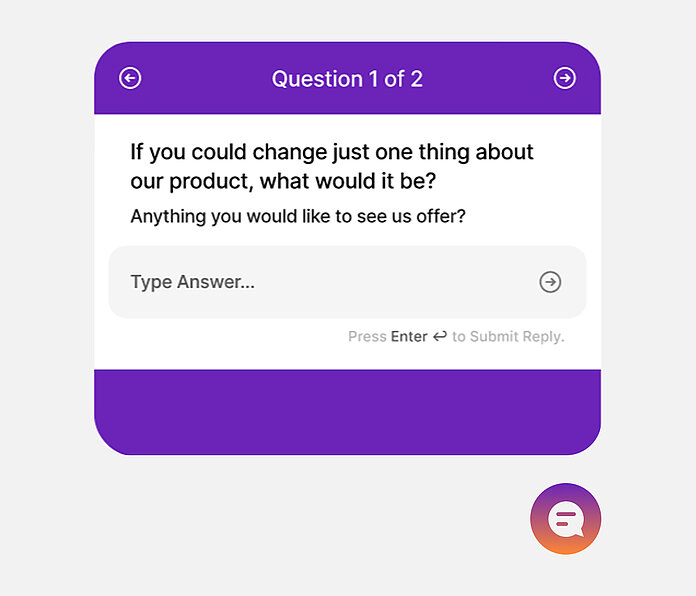
Polls look at home in your website and this increases the chance that people will respond. Moreover, use this tool to collect feedback about what they're doing at the moment. Question them when they’re most likely to answer and then gather information related to what they're doing.
So create a webpage poll with as many questions as you need. Additionally, choose which pages it shows on and which ones it doesn't. Then, analyze the results. See detailed statistics on question responses, completion rates, and participant information.
Surveys
Ask Questions Anywhere Online
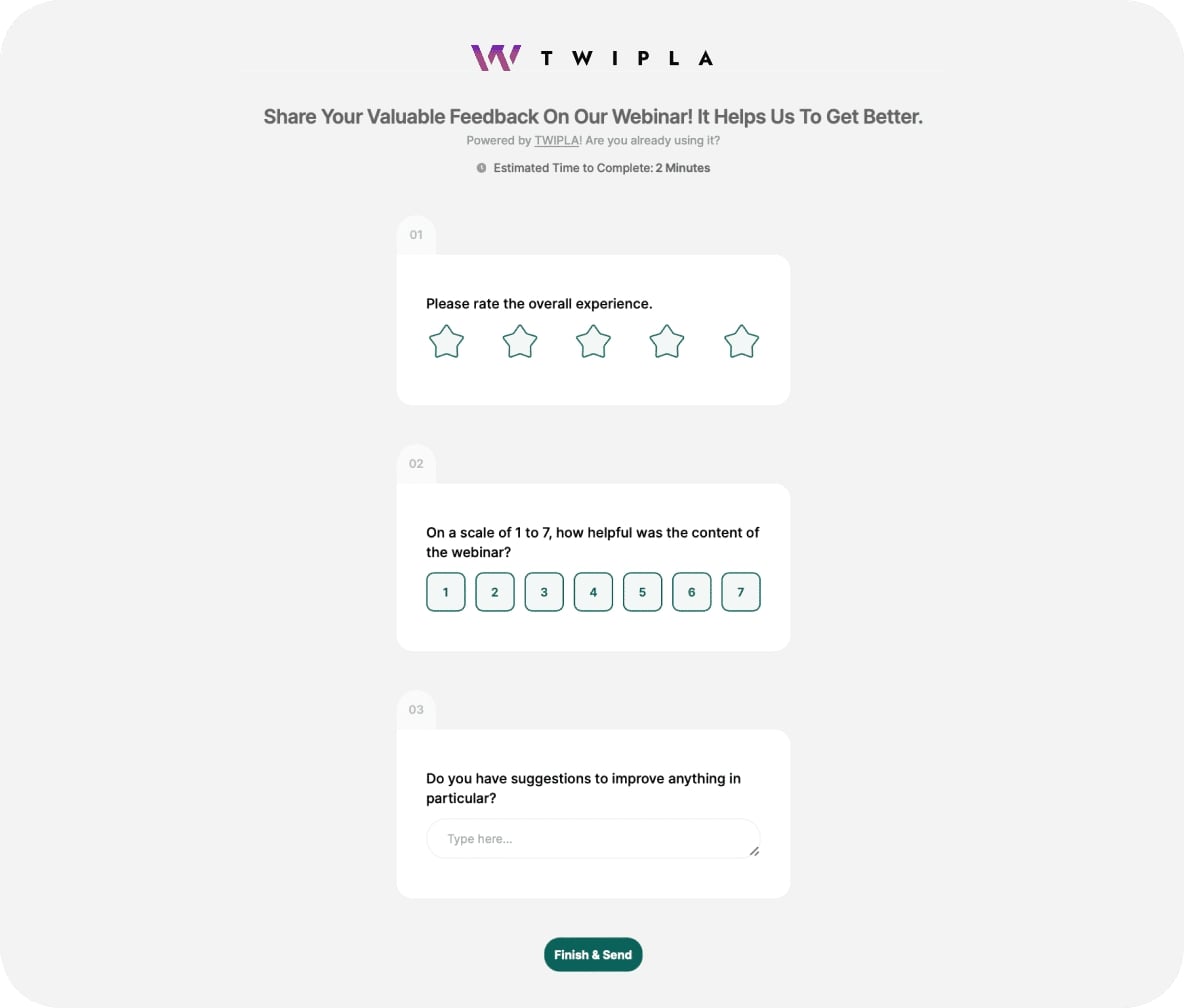
Surveys can be answered on desktop or mobile and offer valuable research opportunities. Paste the link anywhere, such as in emails, webpages, social media, or campaigns. Use the friendly design to keep participants focused and then gather the information you need.
So create a survey in just seconds. Additionally, choose whether to show questions all at once or one at a time. You can also add a progress bar to let participants know how many questions remain, and redirect them to a page of your choice after they finish.
Live Reporting & Dashboards
Give Context to Visitor Feedback
Feedback on its own only tells part of the story. Dashboards help you place survey and poll responses alongside the activity happening around them, so you can understand not just what visitors are saying, but what led them there.
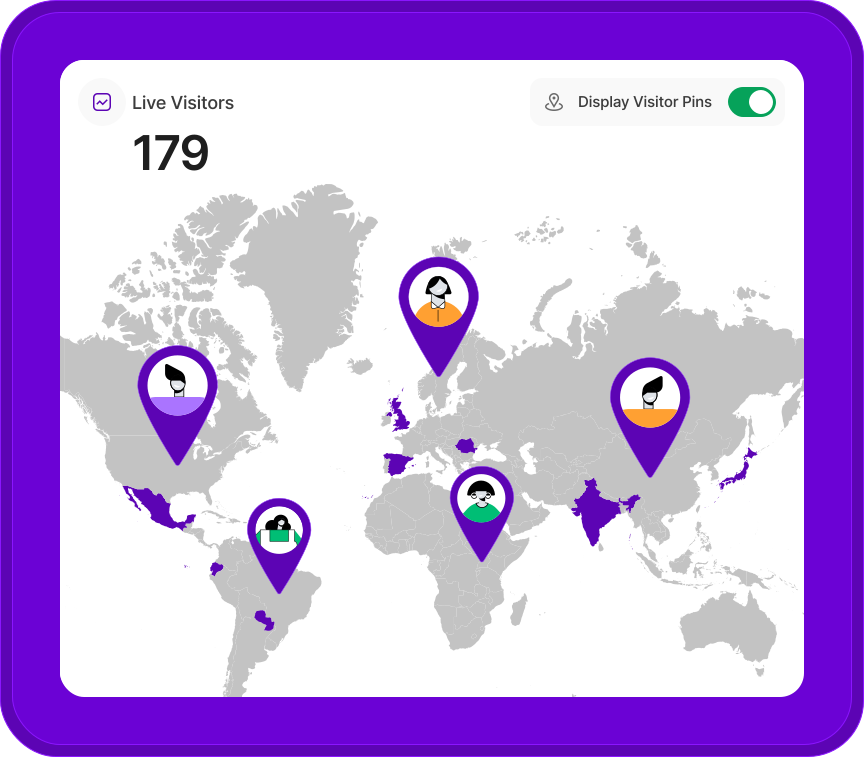
With built-in views like the Master Dashboard, response activity sits alongside your core performance signals, while live visitor activity insights can highlight when attention is building and feedback becomes most relevant.
You can also create Custom Dashboards that combine Visitor Communication reports with others from Web Statistics and Behavior Analytics, making it easier to shape views around specific goals or share them with contributors.
The result is a clearer picture of visitor sentiment, grounded in real context and easier to act on.
