

Traffic Sources & Exit Paths
Every route in. Every click out.
Traffic Sources & Exit Paths follows the whole journey. Which channel sent them, which page they landed on, which site referred them, and where they went when they left you. Most analytics tools show you half of that and call it a picture.
Get started free, Traffic Sources & Exit Paths includedTraffic Structure
Which channels bring people in, and how engaged those people are once they arrive.
Landing & Referrer Pages
Which pages they land on first, and which sites sent them there.
Outgoing Traffic
Which external destinations visitors continue on to.
TRAFFIC STRUCTURE
Not just how many each channel sent. How good they were.
Direct, email, paid ads, organic search, social media and referrals, side by side, each with pages per session, session duration and bounce rate attached.
That's the difference between a channel that delivers volume and a channel that delivers people who stay. One of those is worth more budget. The other is worth cutting.
- See how much of your traffic is your own team clicking around, before it skews a budget decision
- Advanced bounce rate only counts a bounce if the visit lasted under ten seconds and the visitor did nothing at all, so your bounce rate stops lying to you
- Slice any channel by company, country, device or UTM campaign, and set it against last month or last year
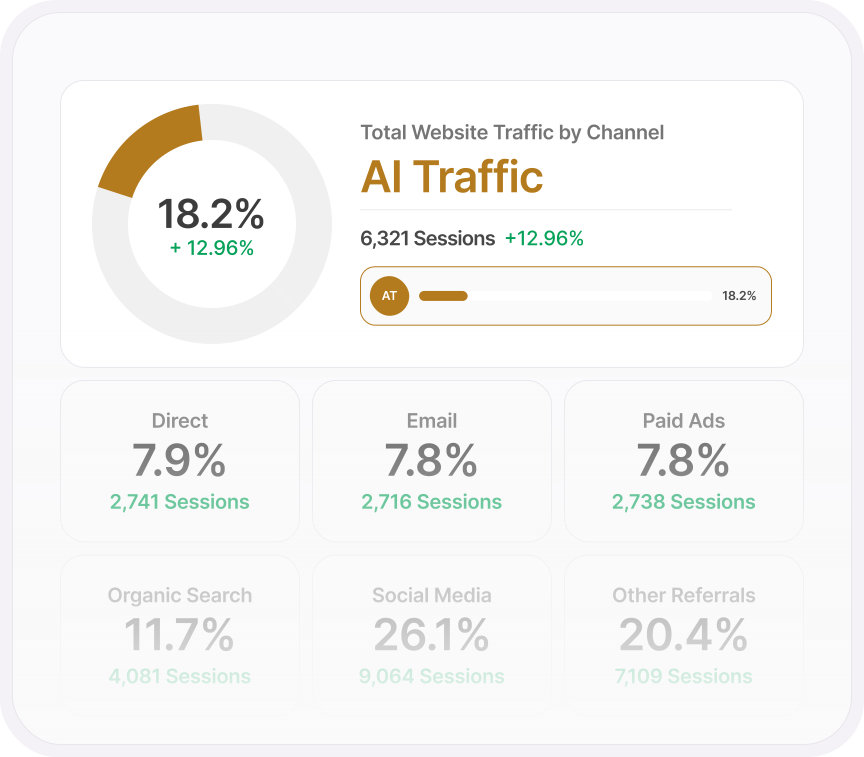
AI TRAFFIC
The channel your current analytics is filing under direct.
ChatGPT, Claude, Gemini, Copilot, Perplexity, DeepSeek, Meta AI and Mistral, all counted as one channel, sitting alongside organic search and social where they belong.
Only forwarded visits from real people count. Never bots, never crawlers. So the number in front of you is one you can act on.
- Watch session recordings of only the visitors AI sent you
- See which pages AI sends people to, and which companies arrive that way
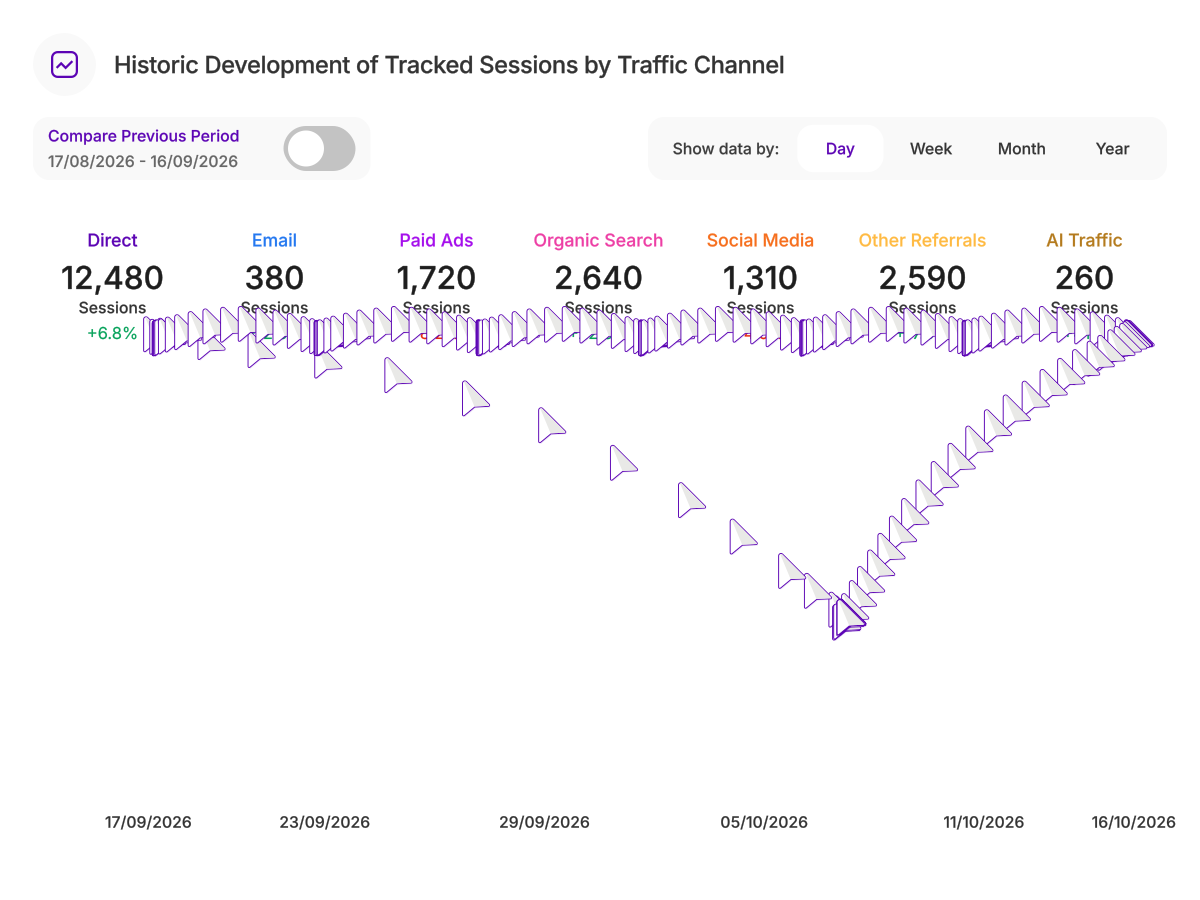
- Track it over time and see how fast AI is growing against your other channels
OUTGOING TRAFFIC
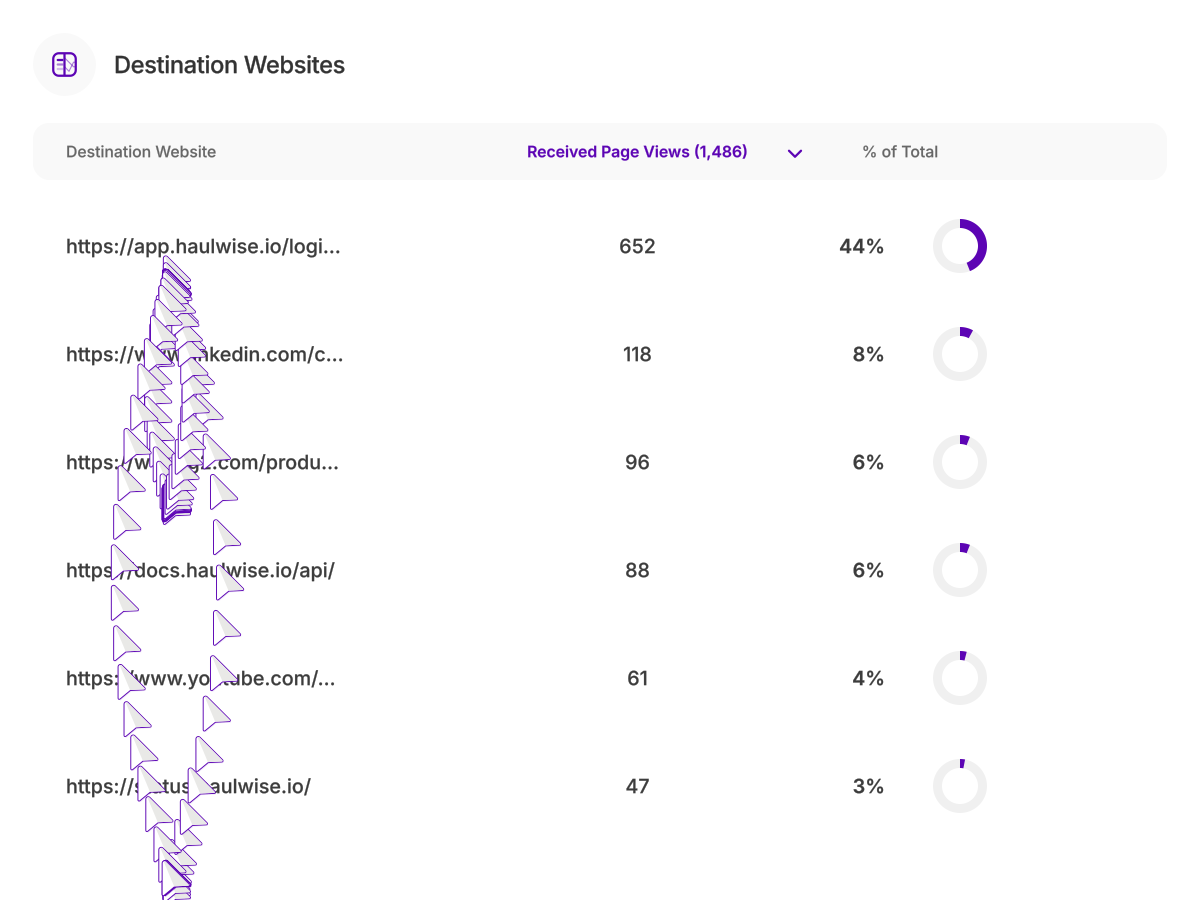
Where they went when they left you.
Almost every analytics tool stops at the exit and shrugs. This one keeps going. See every third-party site your visitors click through to, and how much of your traffic each one takes.
Affiliates you're feeding for free. Partners worth keeping. Competitors worth worrying about.
- Filter by landing page to find the pages sending visitors straight to someone else
- Filter by channel to see whether it's your paid or AI visitors walking out the door
- Set what's going out against what's coming in, and compare it with the period before
LANDING & REFERRER PAGES
The first page they see decides everything that happens after it.
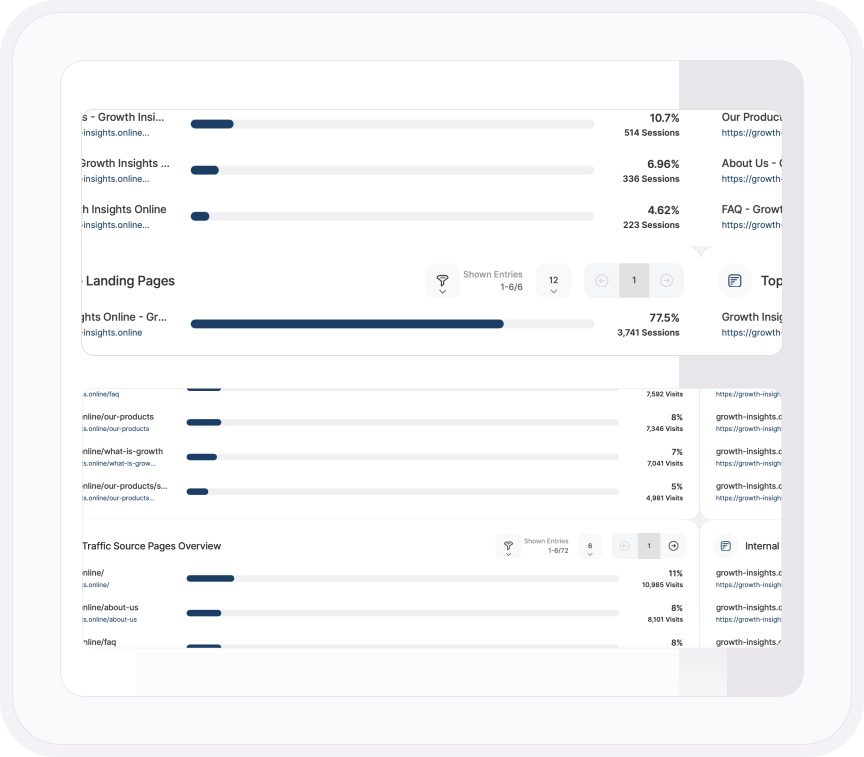
Every entry point on your site, ranked by the sessions it starts. Then every site that sent them, from Google to ChatGPT to the blog that mentioned you.
Click any referring site and see exactly which of your pages it sends people to.
- See which of your own pages send visitors deeper into your site, and which ones are dead ends
- Filter by country, device or company to see who lands where
- Save your filters as templates and reuse them in any report
Dig deeper
Know every route in and out
Your channel breakdown, explained
What each channel counts, from organic search and social to AI chatbots.
Read the support guideLanding and referrer pages
See which pages visitors land on first, and which sites sent them there.
See how it worksFollow every exit
See every site your visitors leave for, and compare outgoing with incoming traffic.
Read the support pageVisitors from ChatGPT and AI search
How to spot traffic from chatbots and AI search, and shape your pages to win more.
Read the articleLeaving Google Analytics?
Every channel and every visit, including the ones GA4 loses to consent banners.
Compare the twoONE PLATFORM, FOUR STAGES
Most analytics show you what happened. TWIPLA shows you what to do about it.
Every tool runs on one setup, and the filters you set follow you from report to report. So a number on this page becomes a recording, a funnel or an answer in one click. Observe is where it starts. Here's the whole route.
- OBSERVE: See what's happening
- ANALYZE: See how visitors behave
- UNDERSTAND: See what it costs you
- ACT: See what to do next
More in Observe
The rest of your Observe toolkit
See who's on your site right now
Live pages, sources and countries as they happen, with no consent banner in the way.
Explore Live Visitor ActivityKnow who's visiting, down to the company
Locations, devices and the businesses researching you, visit by visit.
Explore Audience IntelligenceFind the campaigns that actually work
Every UTM campaign tracked from first click to engagement, side by side.
Explore Campaign EngagementSee how you stack up
Compare your traffic with your sector and region, and spot where you're falling behind.
Explore Competition BenchmarkingKnow what sells, and why
Revenue, orders and products in one view, traced back to the channels that drove them.
Explore eCommerce Analytics