

Visitor Surveys & Polls
You know what they did. Now ask them why.
Visitor Surveys & Polls gives you two ways to ask: a poll embedded on any page, or a survey on its own link you can send anywhere. Every poll answer comes with the visitor attached: new or returning, location and device. Included on every plan.
Get started free, Surveys & Polls includedPolls
Ask the checkout question on the checkout page.
A poll is a small bubble in the corner of your site. Choose the pages it appears on, or the ones it should never touch. The pricing question sits on the pricing page, and the "what stopped you" question sits on the cart.
Visitors answer in the moment, while the reason is still fresh, not three days later in an email they'll ignore.
- Ten question types, from star ratings and sliders to email, phone number and date
- Your colors, your logo, left or right corner, sized and spaced to fit your layout
- Let visitors dismiss it, or start it closed so it never gets in the way
- Build it with a live preview beside you, and save it as a draft until it's right
SURVEYS
Take your questions beyond your website.
A survey lives on its own link, so it goes wherever your audience is: an email, a social post, a QR code on the counter, a thank-you page after checkout.
Show one question at a time or all at once. Add a progress bar and an estimated time so people know what they're signing up for, then send them to a voucher page when they finish.
- Up to 65 questions, in surveys and polls alike
- Copy the link straight from your survey list and paste it anywhere
- Your colors and logo throughout, and on premium plans the "Powered by" label can go

WHO ANSWERED
New visitors and returning visitors give different answers.
Most survey tools hand you a pile of answers and nothing else.
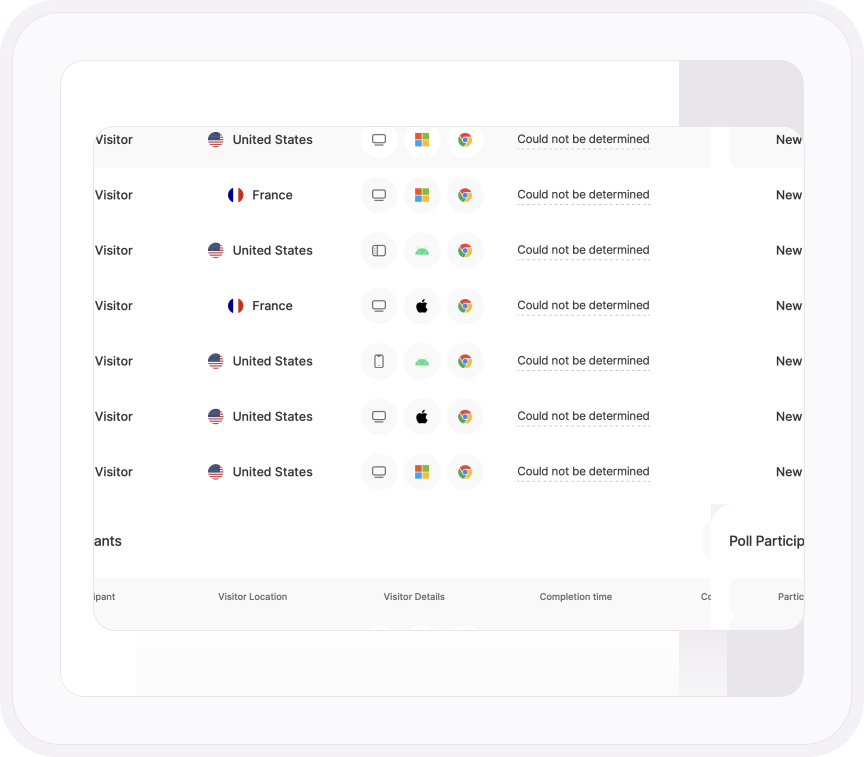
Here, every poll answer arrives with the visitor attached: new or returning, their country, device, operating system and browser, how long they took and how much they completed. Filter by visitor type and read what your regulars said apart from your first-timers.
Every poll and survey is also a funnel, so you see the exact question where people gave up.
- Open any participant and read their answers in full, question by question
- Every answer option shown with its share and response count, plus how many people replied to each question
- Initiations, responses, completion rate and average time for both, plus dismisses for polls, so you know when the question itself is the problem
Learn more
Ask better questions, get better answers
Polls and surveys, set up step by step
Build a poll for any page or a survey on its own link, then read every answer as it arrives.
Read the support guideOne pop-up, not two
TWIPLA needs no cookie banner in Maximum Privacy Mode, so your poll isn’t fighting one for attention.
Explore Maximum Privacy ModeAsk the shoppers who stall
Find the funnel step where visitors drop off, then put a poll on that page and ask what stopped them.
Explore Conversion & Revenue TrackingWhat visitors say, and what they do
Polls tell you what visitors think. Growth Engine reads how they behave and turns it into ranked next steps.
Explore Growth EngineStill paying for SurveyMonkey?
Get surveys plus the analytics to act on every answer, for a lot less.
Compare the twoONE PLATFORM, FOUR STAGES
Most analytics show you what happened. TWIPLA shows you what to do about it.
Every tool runs on one setup, and the filters you set follow you from report to report. So a number on this page becomes a recording, a funnel or an answer in one click. Analyze is where the numbers turn into behavior. Here's the whole route.
- OBSERVE: See what's happening
- ANALYZE: See how visitors behave
- UNDERSTAND: See what it costs you
- ACT: See what to do next

More in Analyze
Four more ways to see how visitors behave
Explore Event Tracking & Journeys
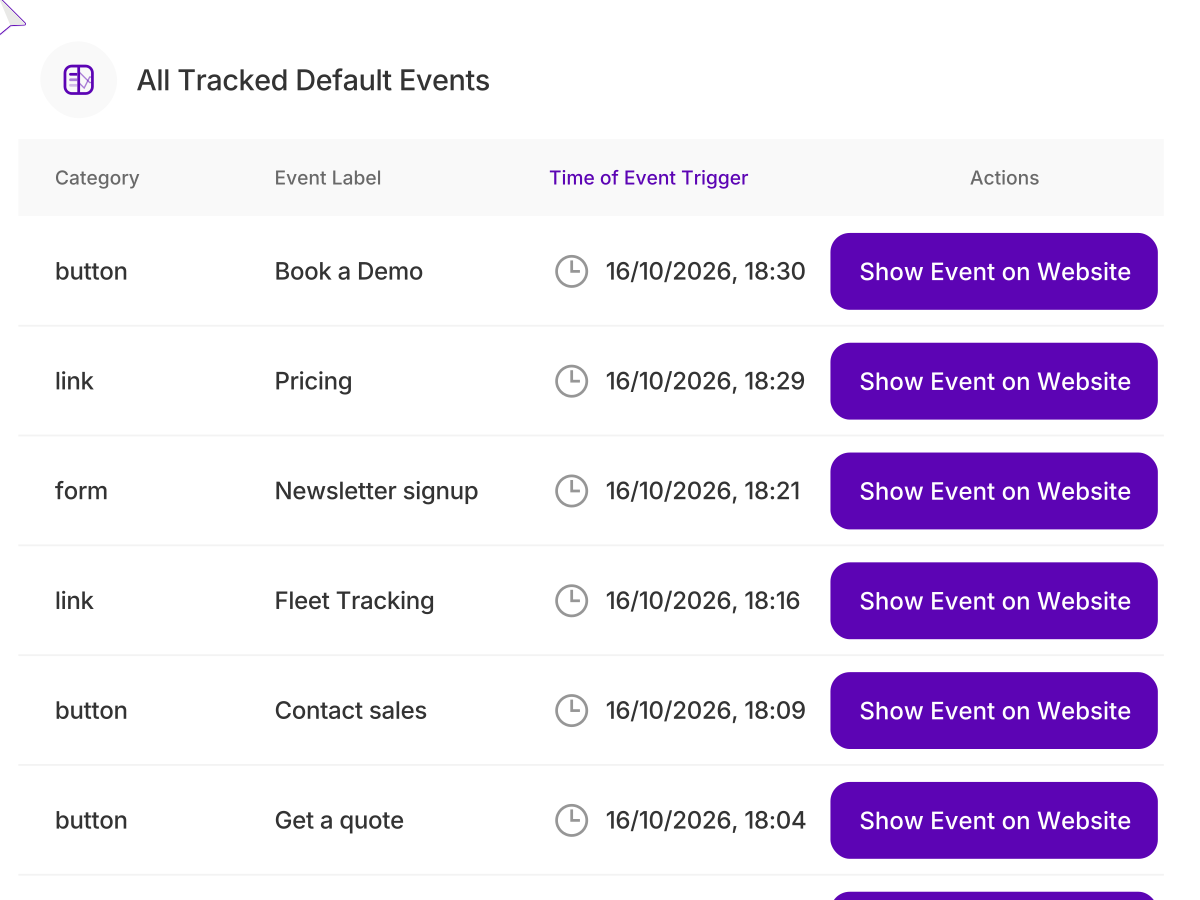
Every click, form, download and video play is tracked automatically, with custom events for anything else you want to count. Line the steps up into a funnel and see exactly where visitors drop out before they convert.
Explore Heatmaps
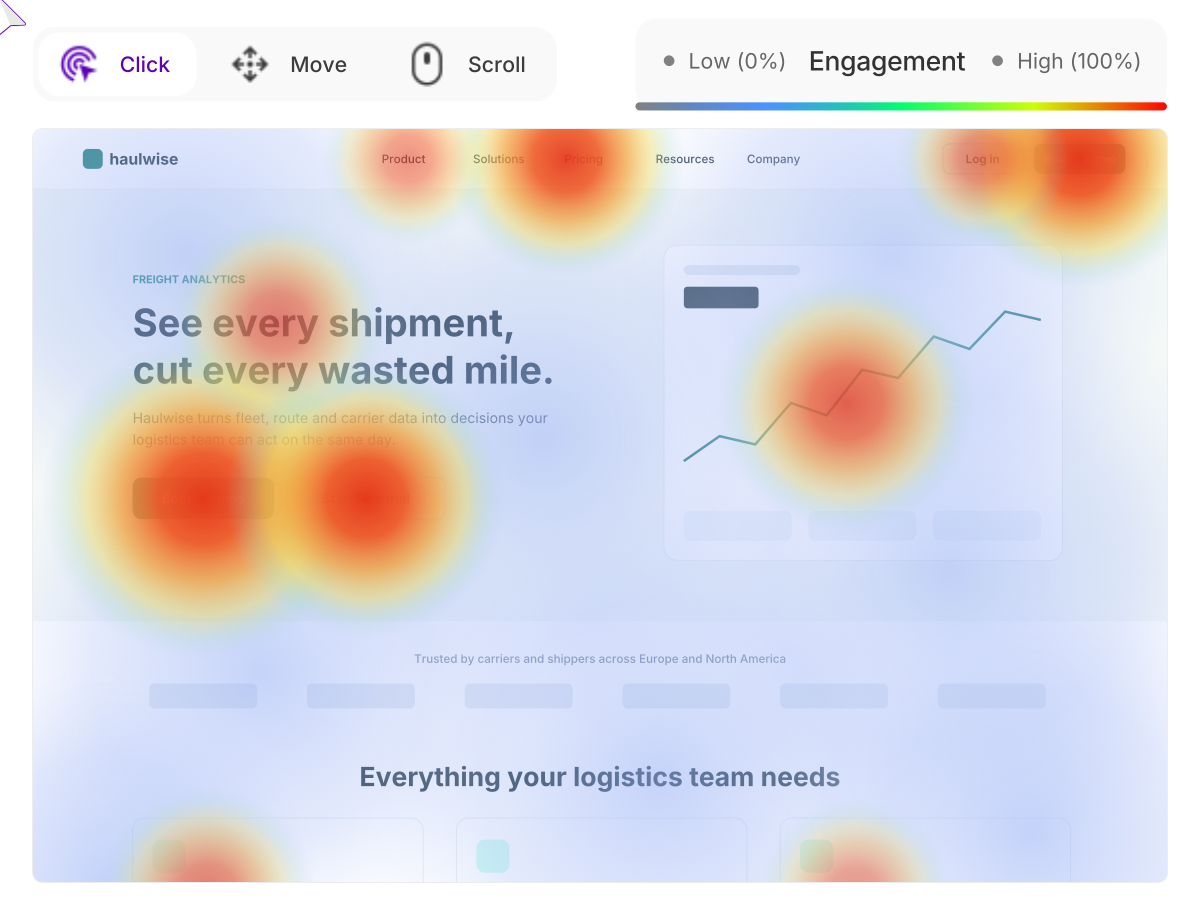
Click, scroll and movement maps for any page, on desktop and mobile. Spot the buttons nobody presses, the content nobody scrolls to and the spots people click expecting a link. One glance shows what a page is really doing.
Explore Session Recordings
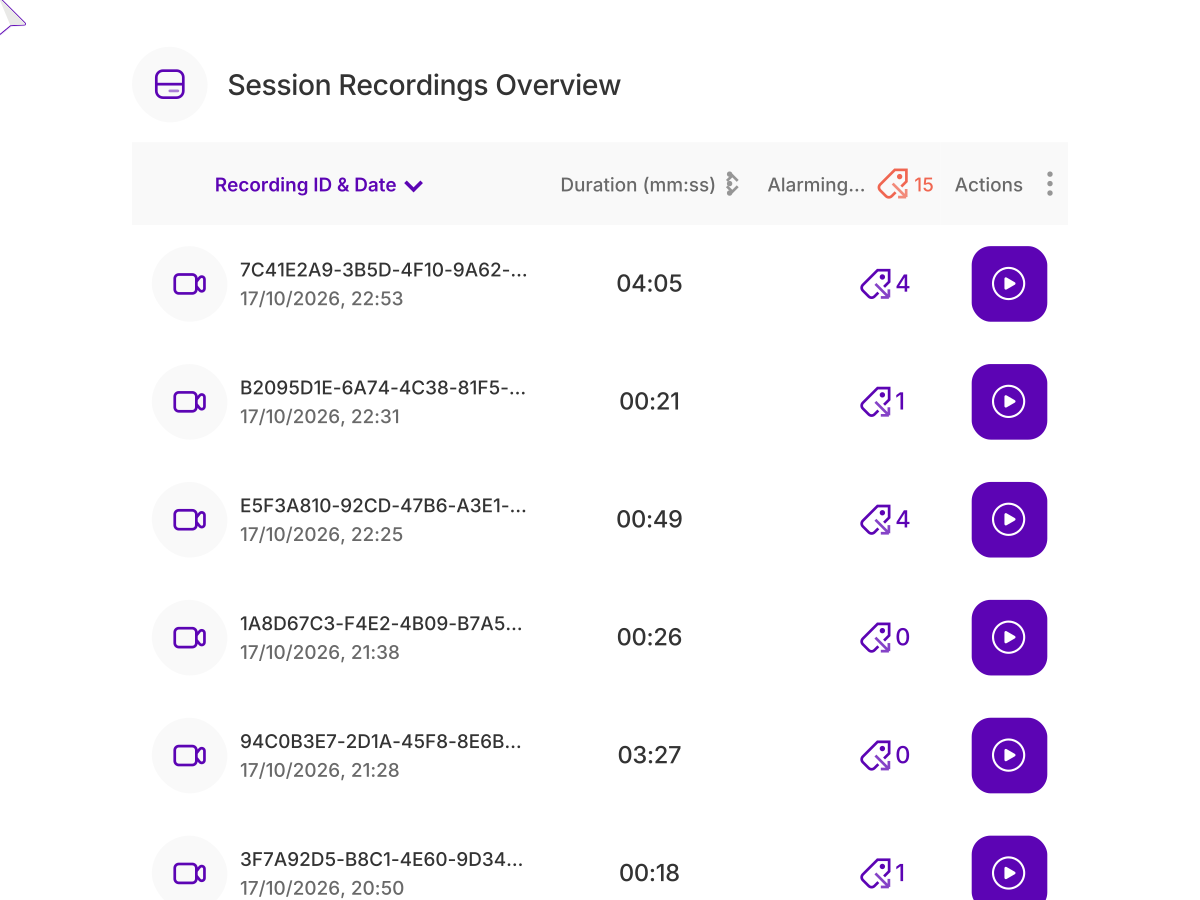
Replay sessions to see every move a visitor made, from the first page to the last. Jump straight to the recordings with rage clicks or abandoned checkouts, and see the problem the way your visitors did.
Explore UX Health Score & Friction Monitoring
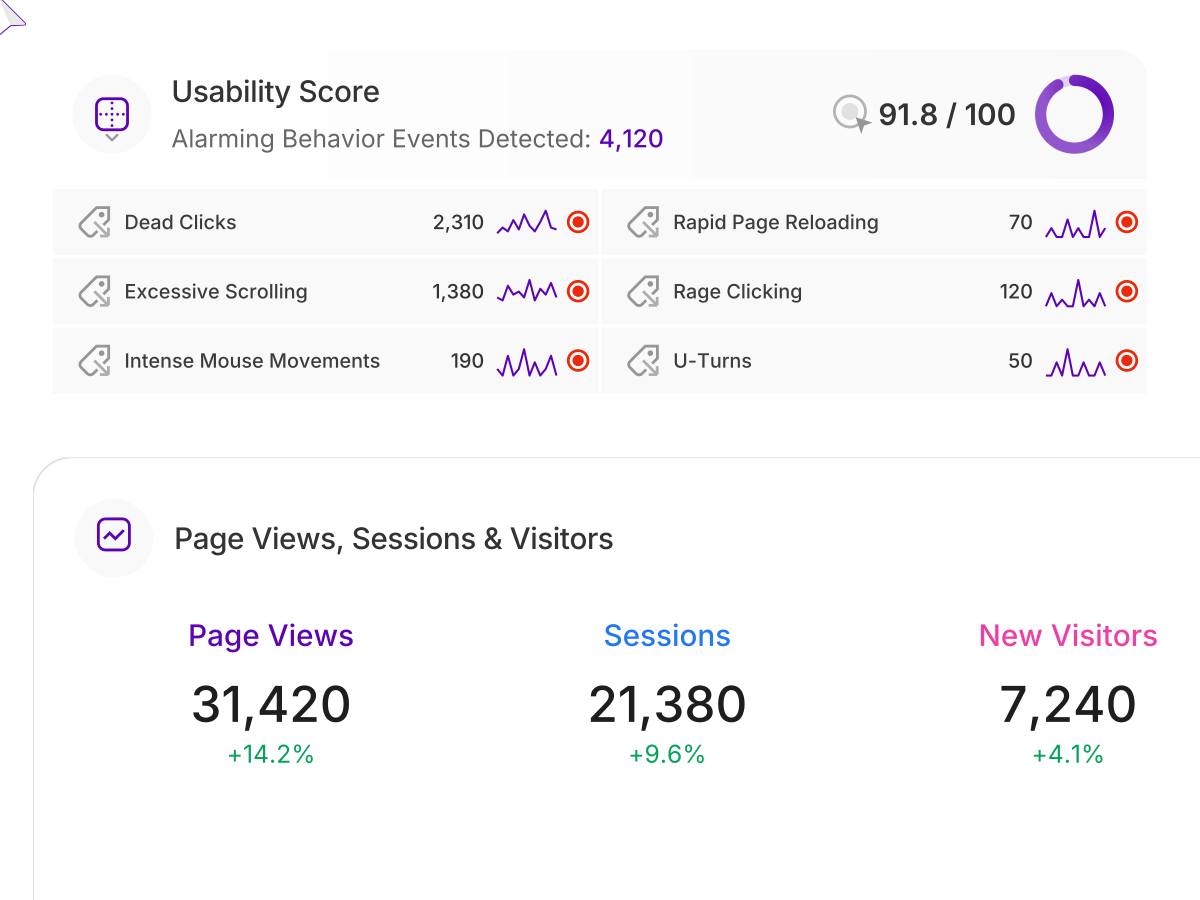
One score for how your site feels to use, built from dead clicks, rage clicks, excessive scrolling, U-turns and more. Each problem is flagged with the page where it happens, so you know what to fix first.
Explore Visitor Surveys & Polls
Ask a quick poll or a full survey right on the page, shown to the right people at the right moment. Find out why they came, what stopped them and what would bring them back.
Talk to a human
Got a question for your visitors?
Tell us about your website. A member of our team will reply by email and show you where and how to ask it.
Thanks, we have your message
A member of our Sales team will reply to your email soon.
