

TWAIA AI Assistant
Ask your data a question. Get an answer instead of another dashboard.
Ask questions in plain language and get instant answers built from your live site data. Complete with charts, root-cause diagnoses, and recommended next steps.
Get started free and ask TWAIA your first questionASK ANYTHING
The questions you'd ask an analyst if you had one.
Why are shoppers abandoning checkout? Where in the funnel am I losing the most revenue? How do mobile visitors behave differently from desktop?
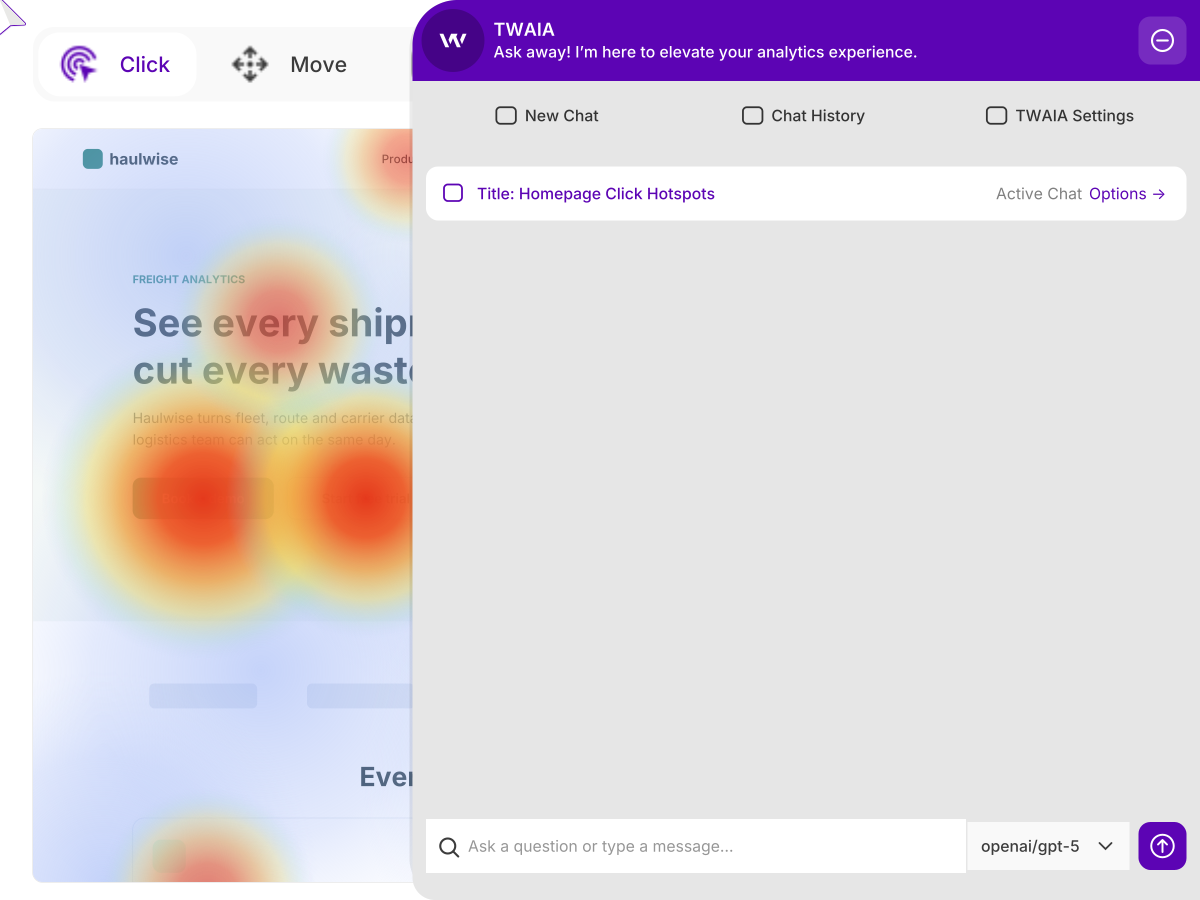
Type the question the way you'd say it out loud, and TWAIA reads your data, works out what's relevant and answers. No reports to open and no export to a spreadsheet first.
- Ask what might happen, not just what did: "How would my traffic change if I tried a LinkedIn post about this?"
- Ask in German, French or whichever language you work in, and get the answer right back
- Answers suggest follow-up questions, so one question becomes an investigation
- The AI Assistant button sits on every report, one click from wherever you are
ANSWERS WITH THE DATA ATTACHED
Not a summary. The numbers and what they mean.
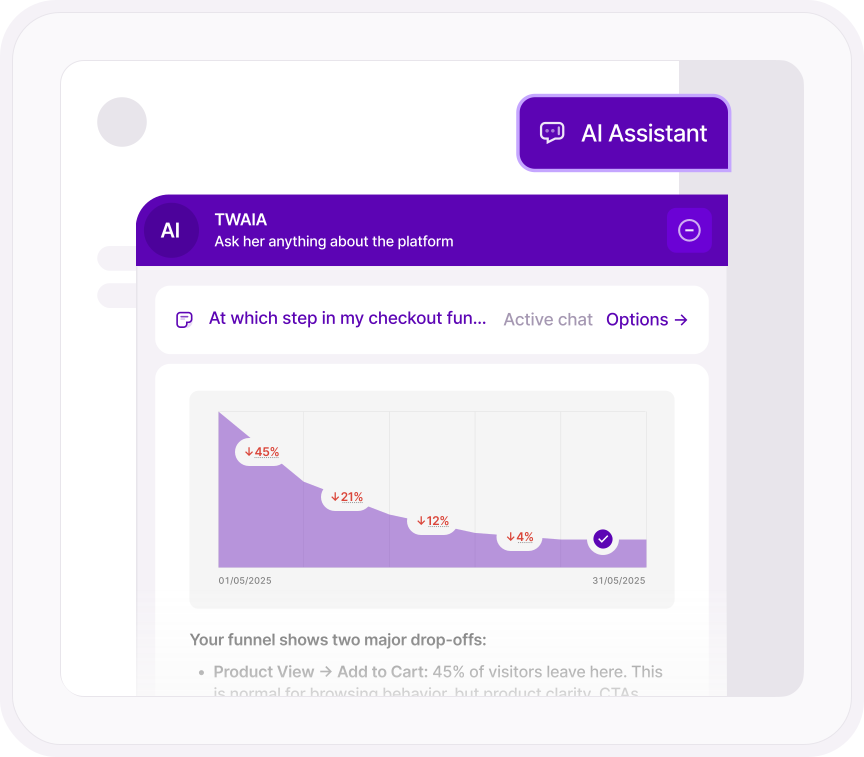
TWAIA doesn't describe your data from memory. It pulls the real figures from your website statistics and can chart them right in the answer.
Then it tells you what matters: which dip is normal, and which one is worth fixing.
- It can see almost every part of the platform: traffic, audience, campaigns, events, frustration signals, funnels, conversions and eCommerce
- Ask it to list every data source it can reach, so you know exactly what's in scope
HOW IT WORKS
Ask about the platform too. Then pick up where you left off.
TWAIA knows the support center as well as your data, so "how do I set up a funnel" gets answered in the same window as "why is my funnel leaking".
Every conversation is saved, titled automatically and grouped by date.
- Five OpenAI models to choose from, including GPT-5, GPT-5 mini and GPT-4o: switch on the ones you want and pick one per question
- Rename any chat, delete the ones you're done with, and see how many questions each one holds
- The model behind each answer is named underneath it
- Questions are stored anonymously

Learn more
Ask smarter, act faster
Why not just ask ChatGPT?
What a general chatbot misses when it reads your analytics, and what fills the gap.
Read the articleAsk which recordings to watch
TWAIA points you to the sessions where visitors got stuck, so you skip the hundreds that don’t matter.
Explore Session RecordingsAsk why checkout is leaking
Ask TWAIA about any funnel and get the steps where visitors drop off, with what to look at next.
Explore Conversion & Revenue TrackingApprove a playbook, get a draft
Growth Engine finds and scores the opportunity, then TWAIA writes the page, meta tags and answer block.
Explore Growth EngineGet more from TWAIA
How to ask TWAIA about your data, and get answers you can act on.
Read the support guideThe terms behind TWAIA
The TWAIA addendum, for whoever signs off on AI tools at your company.
Read the termsONE PLATFORM, FOUR STAGES
Most analytics show you what happened. TWIPLA shows you what to do about it.
Every tool runs on one setup, and the filters you set follow you from report to report. So a number on this page becomes a recording, a funnel or an answer in one click. Act is where the route ends: everything the other three stages found, turned into what to do next. Here's the whole route.
- OBSERVE: See what's happening
- ANALYZE: See how visitors behave
- UNDERSTAND: See what it costs you
- ACT: See what to do next - YOU ARE HERE
Talk to a human
Tell us what you’d ask your data
Tell us about your website. A member of our team will reply by email and show you how TWAIA would answer it.
Thanks, we have your message
A member of our Sales team will reply to your email soon.
