

eCommerce Analytics
Your store already tells you what sold. This tells you why.
eCommerce Analytics puts revenue, orders and refunds in the same place as the channel that sent the buyer, the campaign they clicked, the company they work for and the recording of what they did before they paid. Or didn't.
Get started free, eCommerce Analytics includedOVERVIEW
Every number a store owner checks before coffee.
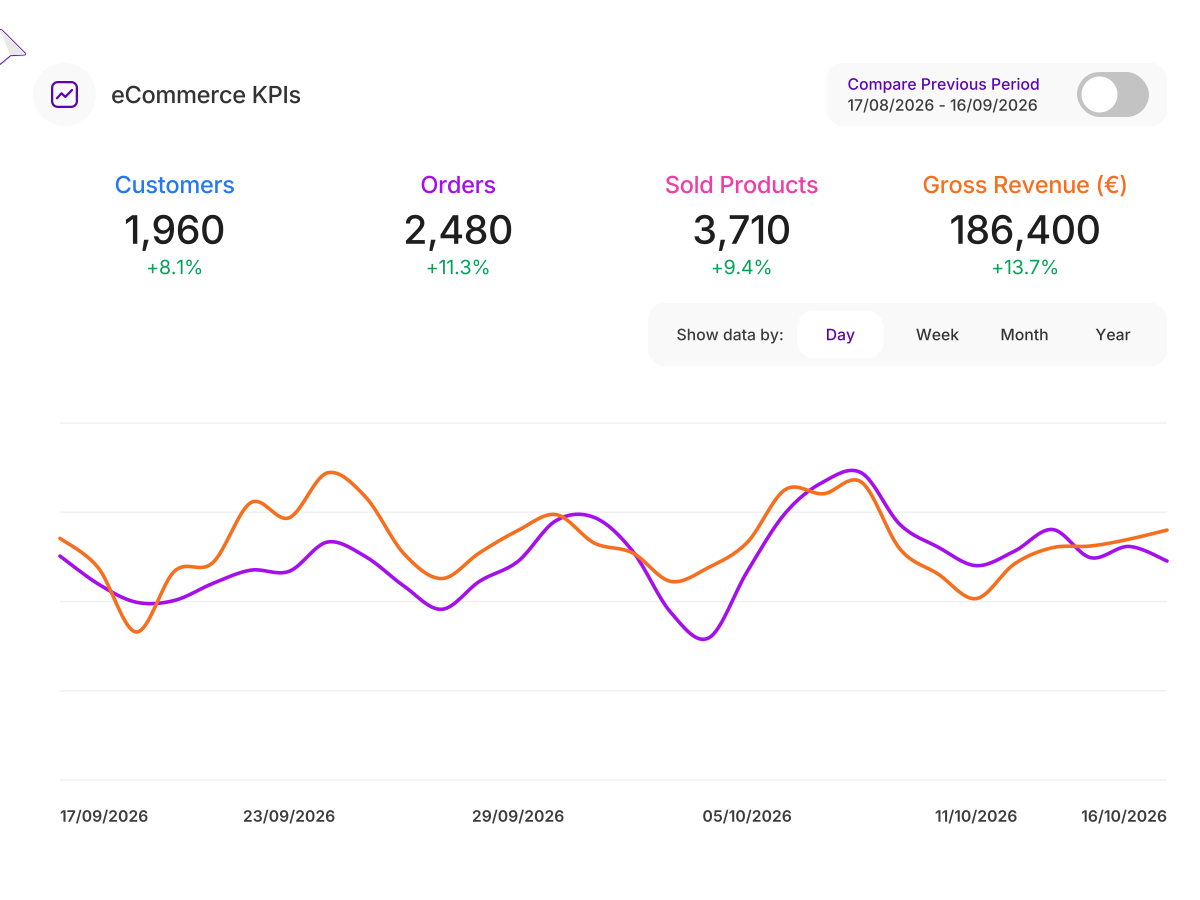
Revenue, orders, average order value, conversion rate and refunds on one screen, for any date range you choose.
Refunds are tracked as their own event, so the revenue you see is the revenue you kept, not the revenue you briefly had.
- Every card updates live, with the change against the previous period beside it
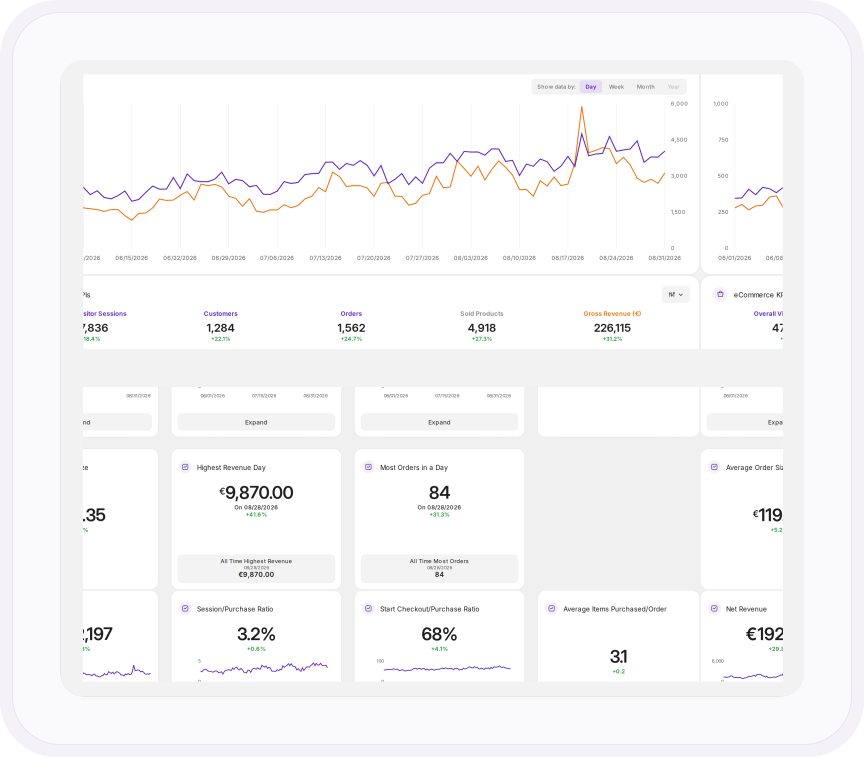
- Your best day for revenue and orders, set against your all-time record
- Checkout-to-purchase ratio and average items per order, so you can tell whether traffic or checkout is holding sales back
- Top customers and most viewed products ranked side by side
SALES CHARTS
The gap between "added to cart" and "paid" is where your money is.
Sales trends over time, best sellers by units sold, and every step a buyer takes before the purchase: viewed the product, added it to the cart, added it to a wishlist, started checkout, removed it again.
Most stores only see the purchase. You see the intent that didn't become one, which is the part you can actually fix.
- Orders, cart adds and product views split by traffic channel
- Every product's SKU, category and views in one table, sortable by any column
- Pick any products and chart their revenue by day, week, month or year, against the period before
REVENUE BY ANYTHING
Not just how much you made. Who made it for you.
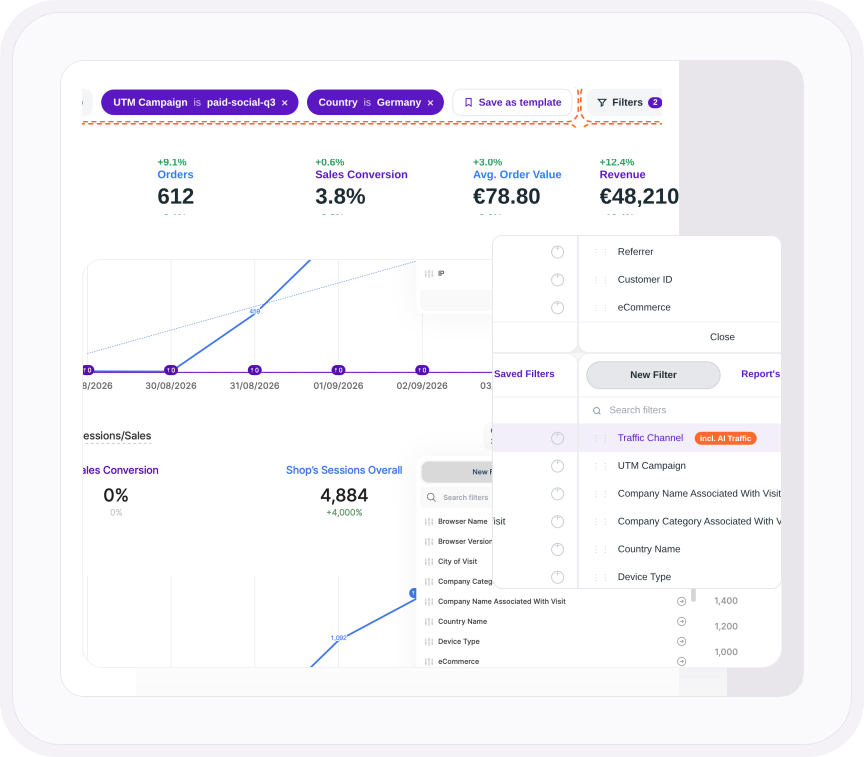
Every filter in the platform works here, so revenue can be cut by traffic channel, UTM campaign, country, device, referrer and the company the buyer works for.
Knowing you made money this month is nice. Knowing the paid social campaign made it while the newsletter made none is what changes next month's budget.
- See what visitors from ChatGPT and Perplexity actually spend, with AI traffic as its own channel
- Every customer listed with their ID, phone number, order count and gross revenue
- Save any filter combination as a template and reuse it every month
SETUP
Sixteen events. The same sixteen your developer already knows.
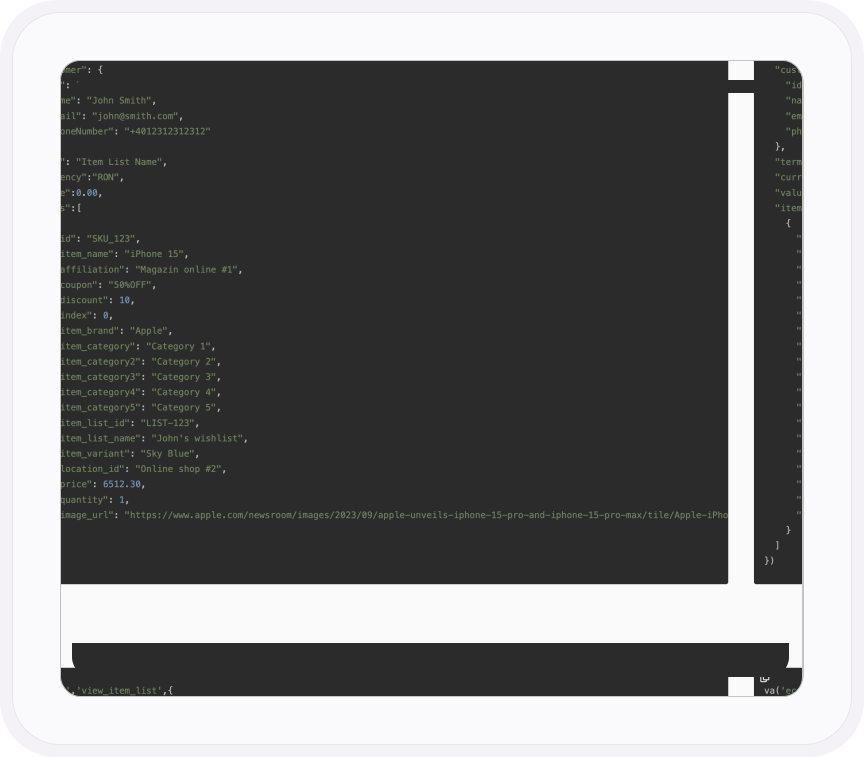
eCommerce Analytics runs on standard events: view item, add to cart, begin checkout, purchase, refund and the rest. They carry the same names GA4 uses, so if your store already reports to GA4, your developer just points it at TWIPLA too.
It works on any website where you can add a script, including WordPress and WooCommerce, TYPO3, Weebly, Smartstore and custom builds, or through Google Tag Manager.
- Sign-up, login, share and lead events are included, so the same setup tracks accounts and leads as well as sales
- Up to 200 items per event, with tax, shipping, coupons and discounts carried alongside
- Up to five category levels per product, plus brand, variant and product image
Guides and stories
Sell more with the data you already have
Connect your store
Which standard events to send, from view item to refund, and how to check they arrive.
Follow the setup guideEvery store report, explained
Revenue, orders, products and customers: what each report shows and how to filter it.
Read the support guideHow Gomag's 4,000 sellers track sales
A webstore builder launched a white-labeled eCommerce suite in seven days.
Read the Gomag storySee what each drop-off costs
Put a value on every checkout step and see which channels bring real buyers.
Explore Conversion & Revenue TrackingONE PLATFORM, FOUR STAGES
Most analytics show you what happened. TWIPLA shows you what to do about it.
Every tool runs on one setup, and the filters you set follow you from report to report. So a number on this page becomes a recording, a funnel or an answer in one click. Observe is where it starts. Here's the whole route.
- OBSERVE: See what's happening
- ANALYZE: See how visitors behave
- UNDERSTAND: See what it costs you
- ACT: See what to do next
More in Observe
The rest of your Observe toolkit
See who's on your site right now
Live pages, sources and countries as they happen, with no consent banner in the way.
Explore Live Visitor ActivityEvery route in and every click out
Every channel that sends visitors, AI chatbots included, and every site they leave for.
Explore Traffic Sources & Exit PathsKnow who's visiting, down to the company
Locations, devices and the businesses researching you, visit by visit.
Explore Audience IntelligenceFind the campaigns that actually work
Every UTM campaign tracked from first click to engagement, side by side.
Explore Campaign EngagementSee how you stack up
Compare your traffic with your sector and region, and spot where you're falling behind.
Explore Competition BenchmarkingTalk to a human
Want to know which channel pays for your store?
Tell us about your website. A member of our team will reply by email and show you which channels and campaigns drive your sales.
Thanks, we have your message
A member of our Sales team will reply to your email soon.
