






Session Recordings
You'll never watch a random recording again.
Session Recordings replays real visits to your website, with every click, scroll and moment of frustration marked on the timeline. But the part that matters comes before you press play: every recording is filtered by the rest of the platform, so the list you open is the visitors who dropped out of your funnel, or rage clicked on checkout, or arrived from the paid campaign and converted. Not two hundred strangers.
ANALYZESession Recordings is one of five Analyze tools. → Explore them all
CURATED RECORDINGS
Start with the question. Then watch the answer.
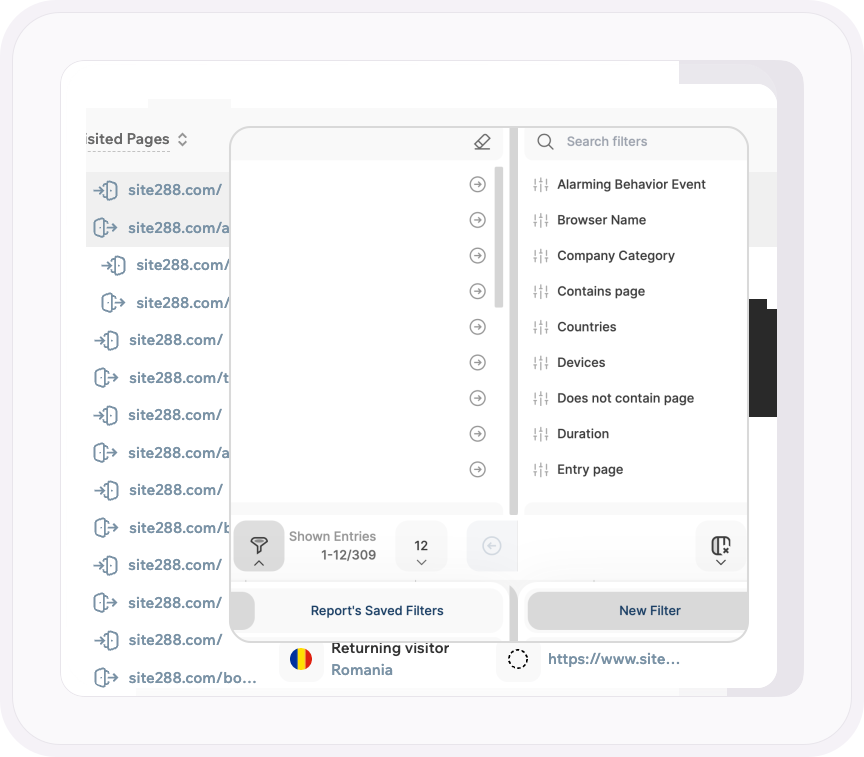
Other tools give you a pile of replays and a search box. Here, the filters come from every report on the platform. Funnel dropouts. A specific frustration signal. Traffic channel, including visitors sent by AI. A UTM campaign. A company category. Converting visitors only. Entry page, exit page, duration, page count.
Stack them, save the combination, and the list on your screen is exactly the sessions you needed to see. And you often don't come here at all: click Watch Dropouts on a funnel step or the recordings button on a frustration signal, and the list is already built.
- Filter by funnel dropouts, frustration signal, traffic channel, campaign, company category, visitor type, entry and exit page, duration, page count and more
- Every filter in the platform applies here, and combinations can be saved for next time
- Jump straight from a funnel step, a frustration signal or a visitor profile into the recordings behind it
THE PLAYER
Every action listed. Every problem marked in red.
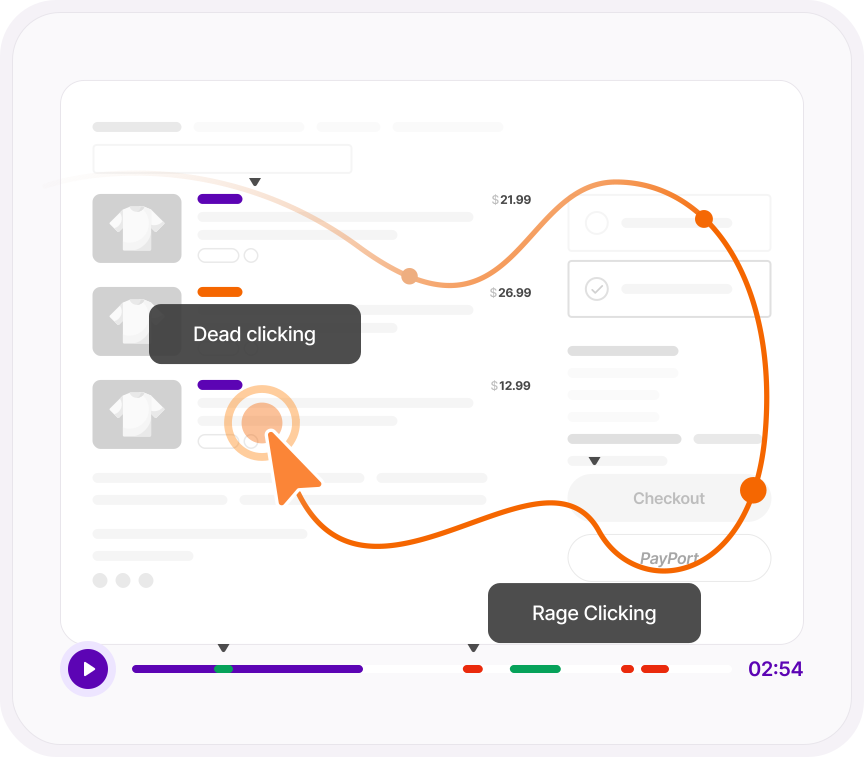
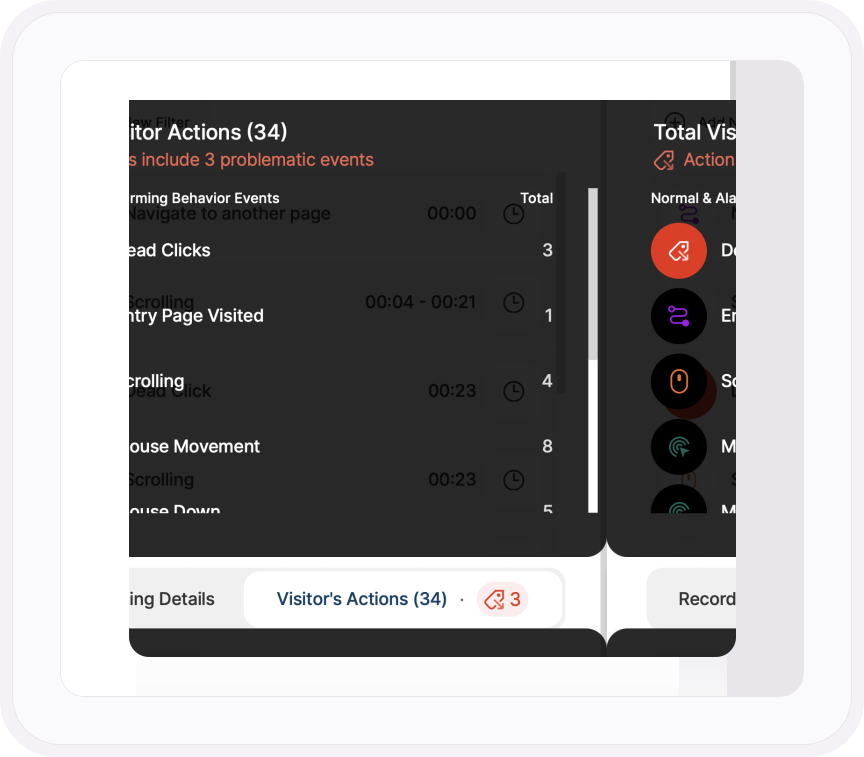
The timeline shows where each page starts and marks every frustration signal in red, so a rage click or a dead click is a spot you can see before you watch a second of the replay.
Beside the video, every action the visitor took is listed with its timestamp and a jump button. Skip Inactivity cuts the dead air, playback runs up to eight times speed, and a ninety-second visit takes twenty seconds to understand.
- Frustration signals marked on the timeline, page changes marked with separators
- Every click, scroll, tap, focus and input listed with a timestamp and a button to jump to it
- Skip Inactivity, playback up to 8x, fullscreen
WHO IT WAS, AND WHAT YOU DO NEXT
The visitor behind the recording, and a place to put what you found.
Every recording carries the visitor: new, returning or converting, country, device, screen resolution, operating system, browser, where they came from, where they entered and where they left. Found something? Star it, write a note on it, mark it watched, and copy a link for whoever needs to see it.
You also decide what gets recorded in the first place, and how much each recording reveals, from full URLs down to anonymized replays with every word of text obscured.
- Visitor type, country, device, resolution, OS, browser, referrer, entry page and exit page on every recording
- Favorites, notes, watched status and shareable links, singly or in bulk
- Record every session or only the ones you choose: specific pages, a minimum duration, sessions with activity
- Set up for consentless tracking and recordings run for every visitor, with all text obscured automatically
ONE PLATFORM, FOUR STAGES
Most analytics show you what happened. TWIPLA walks you to what to do about it.
Every tool runs on the same tracking code, and the filters you set follow you from report to report. So a number on this page becomes a recording, a funnel or an answer in one click. Analyze is where the numbers turn into behavior. Here's the whole route.
- OBSERVE: See what's happening →
- ANALYZE: See how visitors behave YOU ARE HERE
- UNDERSTAND: See what it costs you →
- ACT: See what to do next →
More Analyze tools