





Visitor Surveys & Polls
You know what they did. Now ask them why.
Visitor Surveys & Polls asks the question two ways: a poll on the page it's about, or a survey on its own link you can send anywhere. Every answer comes back with the visitor attached: new or returning, converted or not, and where in the world they were. Included on every plan.
ANALYZEVisitor Surveys & Polls is one of five Analyze tools. → Explore them all
Two ways to ask. One way to read the answers.

Polls
A question bubble on your site, shown only on the pages you choose.


Surveys
A longer questionnaire on its own link, sent anywhere you like.

Who Answered
Every poll and survey is a funnel: see the completion rate and the exact question where people gave up. Poll answers also carry visitor type, country, device and browser.
Polls
Ask the checkout question on the checkout page.
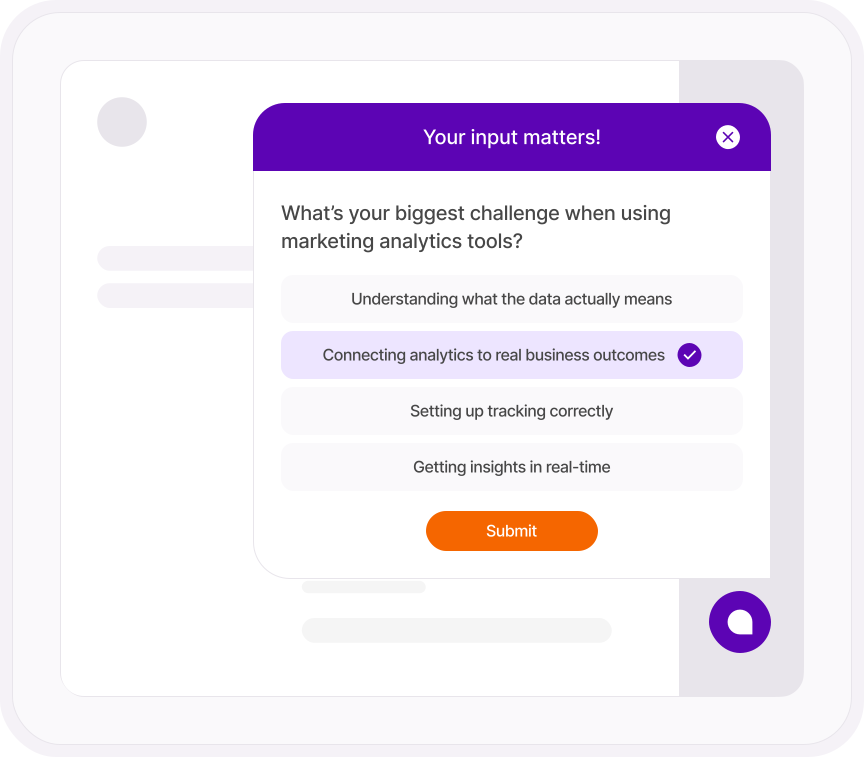
A poll is a small bubble in the corner of your site, and you choose the pages it appears on down to the URL pattern. So the pricing question sits on the pricing page and the "what stopped you" question sits on the cart. Visitors answer in the moment, while the reason is still fresh, instead of three days later in an email they'll ignore.
- Show on every page or only on pages that match a URL pattern, and hide it anywhere you like
- Ten question types, from short text and multiple choice to sliders, star ratings, email and date
- Your colors, your logo, your corner, and default labels in seven languages
- Let visitors dismiss it, or start it closed so it never gets in the way
SURVEYS
When one question isn't enough.
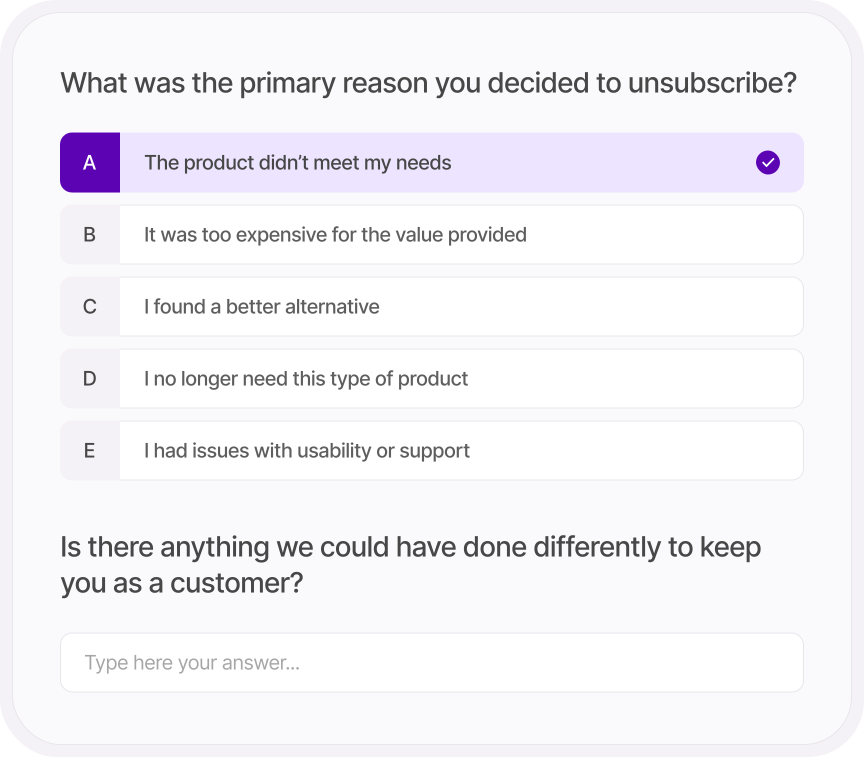
A survey lives on its own link, so it goes wherever your audience is: an email, a social post, a QR code on the counter, a thank-you page after checkout. Show one question at a time or all at once, add a progress bar and an estimated time so people know what they're signing up for, and redirect them to a voucher page when they finish.
- Up to 65 questions across ten question types
- One question at a time or all on one page, with an optional progress bar and time estimate
- Redirect on completion, so a finished survey can land on a reward
- Branded with your colors and logo, and the "powered by" label can go
WHO ANSWERED
Converting visitors and bouncing visitors give different answers.
Most survey tools hand you a pile of answers and nothing else.
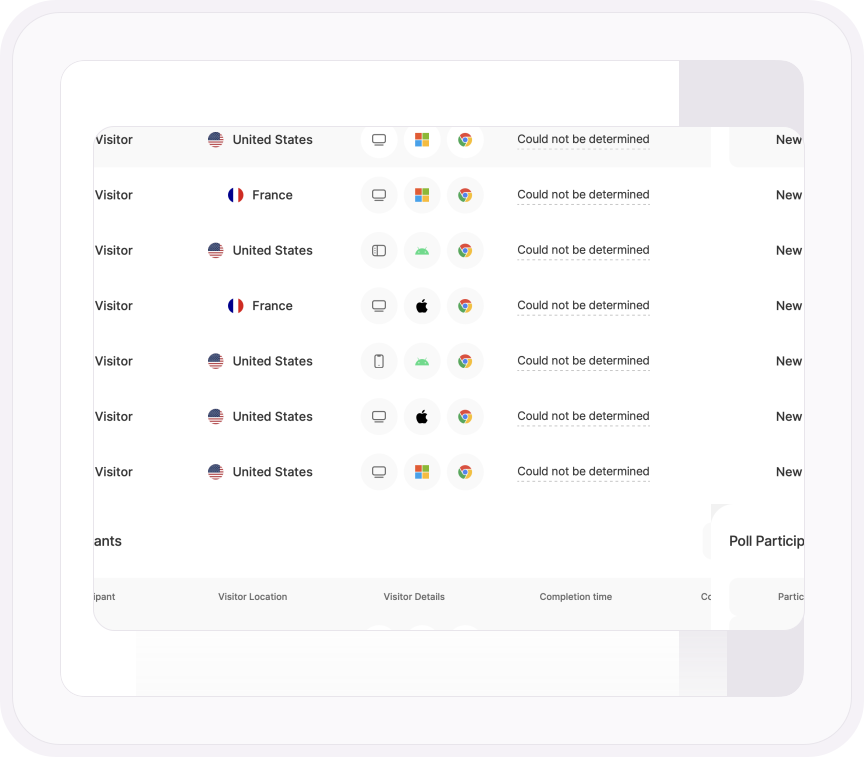
Here, every poll response arrives with the visitor attached: new or returning, whether they converted, their country, device, operating system and browser. Filter the answers by visitor type and you can read what your customers said separately from what the people who left said. And every poll and survey is a funnel, so you see the exact question where people gave up. That's the difference between feedback and a decision.
- Every poll participant tagged as new, returning or converting, with country, device, OS and browser
- Filter poll responses by visitor type and country, and save the filter
- A funnel for every poll and survey showing where people dropped out, question by question
- Initiations, responses, completion rate and average time for both, plus dismisses for polls, so you know when the question itself is the problem
ONE PLATFORM, FOUR STAGES
Most analytics show you what happened. TWIPLA walks you to what to do about it.
Every tool runs on the same tracking code, and the filters you set follow you from report to report. So a number on this page becomes a recording, a funnel or an answer in one click. Analyze is where the numbers turn into behavior. Here's the whole route.
- OBSERVE: See what's happening →
- ANALYZE: See how visitors behave YOU ARE HERE
- UNDERSTAND: See what it costs you →
- ACT: See what to do next →
More Analyze tools