

Conversion & Revenue Tracking
See where the journey breaks and what fixing it is worth.
Conversion & Revenue Tracking lets you define what counts as a conversion, give it a value and map the path visitors take to get there. Then it shows where they drop out, plays you the recording and tells you which channel, campaign or country is paying.
Get started free, Conversion & Revenue Tracking includedConversion Analytics
Define your wins, give them a value and see which source pays for them.
Conversion Funnels
Map every route to a conversion, then watch the visitors who drop out.
CONVERSION EVENTS
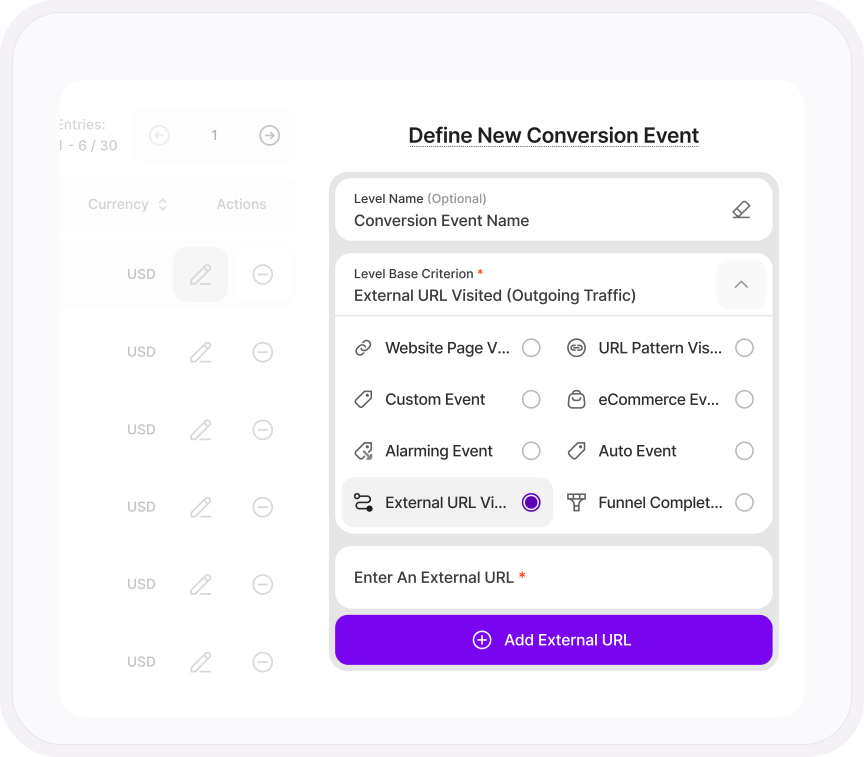
A conversion is whatever you say it is.
A purchase, a demo booked, a PDF downloaded, a form sent, a click through to your app store listing. If it matters to your business, make it a conversion.
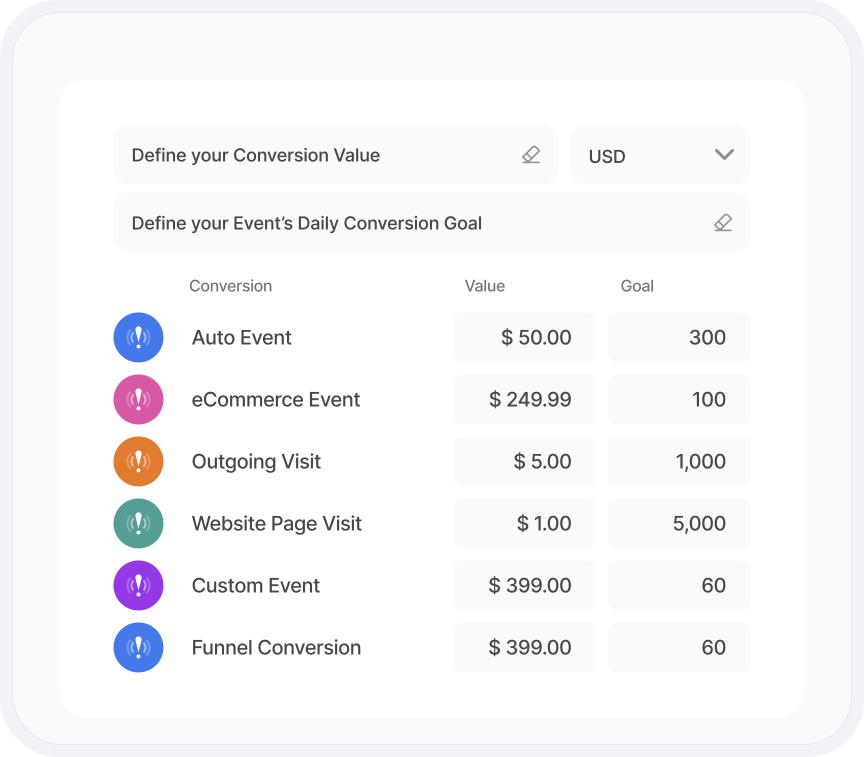
Attach a value and a daily goal, and your conversion reports tell you not just that it happened, but what it was worth and how far you are from target.
- Eight ways to define one, from a page visit or URL pattern to an outgoing click, a finished funnel or even a rage click
- Choose which events count in your reports, so a newsletter signup never inflates your sales figures
- Add a note to any event, so everyone knows why it exists and who set it up
- Set your currency once, from euros and dollars to pounds, zloty and lei
FUNNELS
Build the funnel today. See last month's dropoff now.
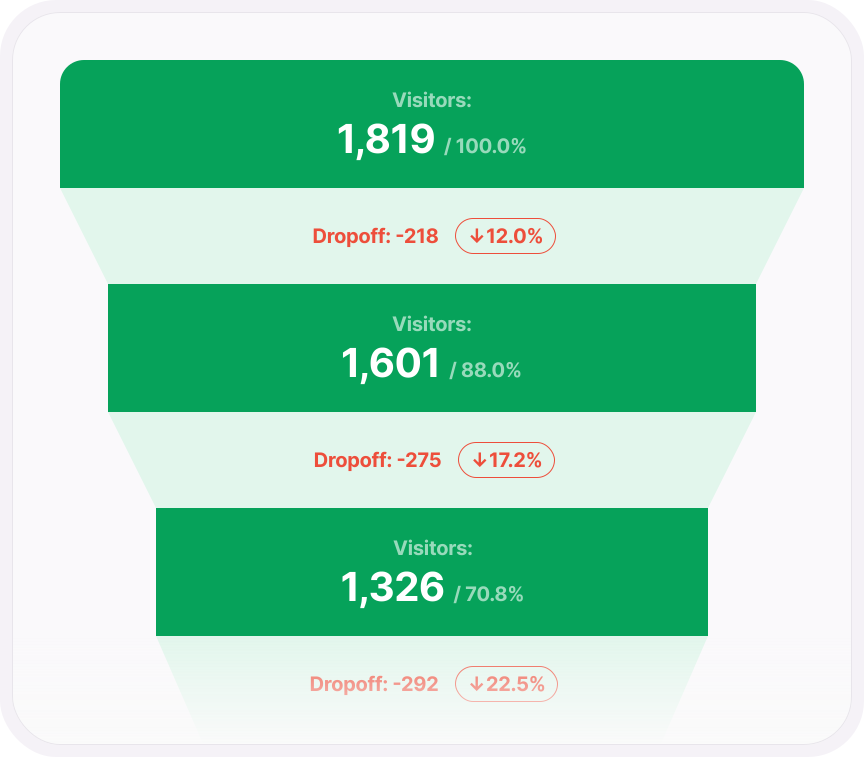
Most funnel tools start counting the day you create the funnel. This one works from the data you already have, so a funnel built this afternoon shows where visitors have been leaving all along.
Up to 14 steps, in the order you set, and each one can be a page, a URL pattern, a button click, an add to cart, a rage click or an outgoing click to a partner site.
- Every level colored from green to red by how well it converts
- Set the conversion rate you expect and see the gap to the real one
- Cross-domain funnels for journeys that span more than one site
- Save a draft, share the link with your team and export the results
WATCH DROPOUTS
Find the step they left at. Then watch them leave.
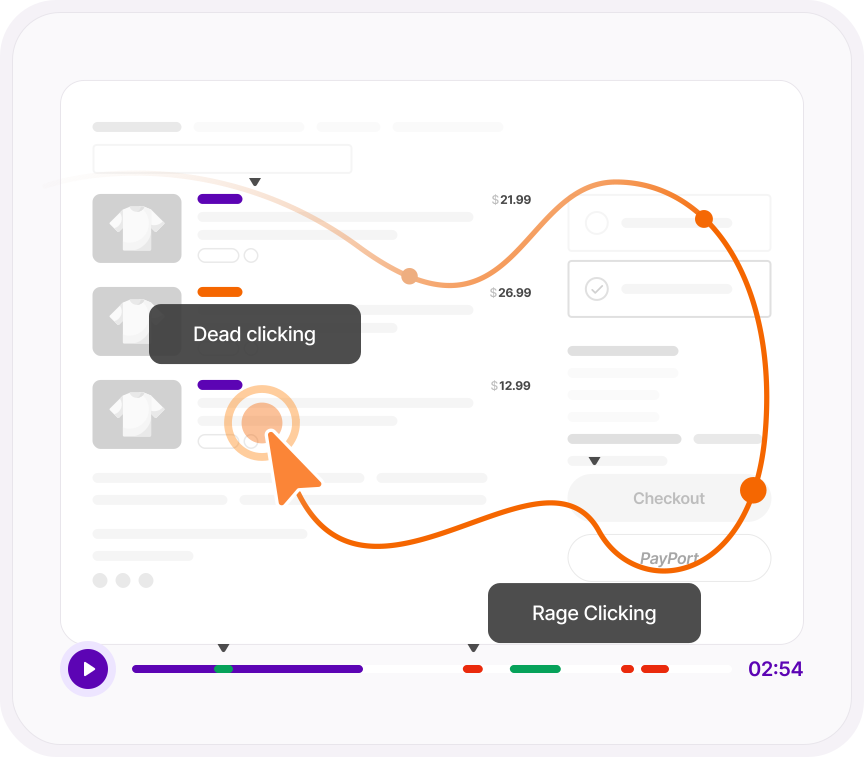
Every funnel level has a Watch Dropouts button. Click it and you get the session recordings of the people who got that far and no further. Not a number on a chart, the actual visits.
Each recording shows how many frustration signals it caught, so the worst ones stand out before you press play.
- Pick any level, not just the last, and see who left at each stage
- Stack any recording filter on top, like traffic channel, UTM campaign, country or device
REVENUE BY SOURCE
Which campaign actually paid for itself?
Total sessions, converted sessions, conversion triggers and conversion value sit at the top, with one switch to set them against the previous period.
Then break every conversion down by referrer, traffic channel, UTM campaign, device, browser, screen resolution, country and city. "The paid campaign got 4,000 clicks" becomes "the paid campaign made $/€1,200 in demo bookings, and the newsletter made $/€4,800".
- AI traffic reported as its own channel, so you know what ChatGPT visitors are worth
- Chart sessions, triggers, value or rate by day, week, month or year, and pick several rows to compare
- Open any single conversion event and see it by referrer, country, campaign or any other breakdown
- Filter any table by value or conversion rate to hide the sources that aren't worth your time
ONE PLATFORM, FOUR STAGES
Most analytics show you what happened. TWIPLA shows you what to do about it.
Every tool runs on one setup, and the filters you set follow you from report to report. So a number on this page becomes a recording, a funnel or an answer in one click. Understand is where behavior gets a price tag. Here's the whole route.
- OBSERVE: See what's happening
- ANALYZE: See how visitors behave
- UNDERSTAND: See what it costs you
- ACT: See what to do next
Talk to a human
Bring us the funnel you want fixed
Tell us about your website and your funnel. A member of our team will reply by email and show you how to put a value on every drop-off.
Thanks, we have your message
A member of our Sales team will reply to your email soon.
Found the leak? Here’s how to fix it
Growth Engine
Get a to-do list of fixes, ranked by the conversions each one will win back.
Session Recordings
Watch the visitors who dropped out at each funnel step, with every problem marked in red.
UX Health Score
Spot the rage clicks and dead clicks behind each drop-off, scored for your whole site.
Campaign Engagement
See which campaigns bring visitors who convert, and which ones just bring clicks.
