

Four stages. One platform.
Most analytics show you what happened. TWIPLA tells you what to do about it.
Four connected stages, one lightweight setup, and unified filters that follow you from report to report: see what’s happening, how visitors behave and what it costs you, then act on it. Start at Observe or jump straight to the stage you need.
Get started free, every stage includedObserve
Who’s on your site, where they came from, and how you stack up against your sector
Analyze
See every click, scroll and frustration, then ask visitors why with polls and surveys
Understand
Put a price on every drop-off and see which channels actually pay for themselves
Act
An AI assistant and ranked action cards that tell you exactly what to fix next
STAGE 1 OF 4
Observe (Performance)
Who is my audience and what's happening across my website?
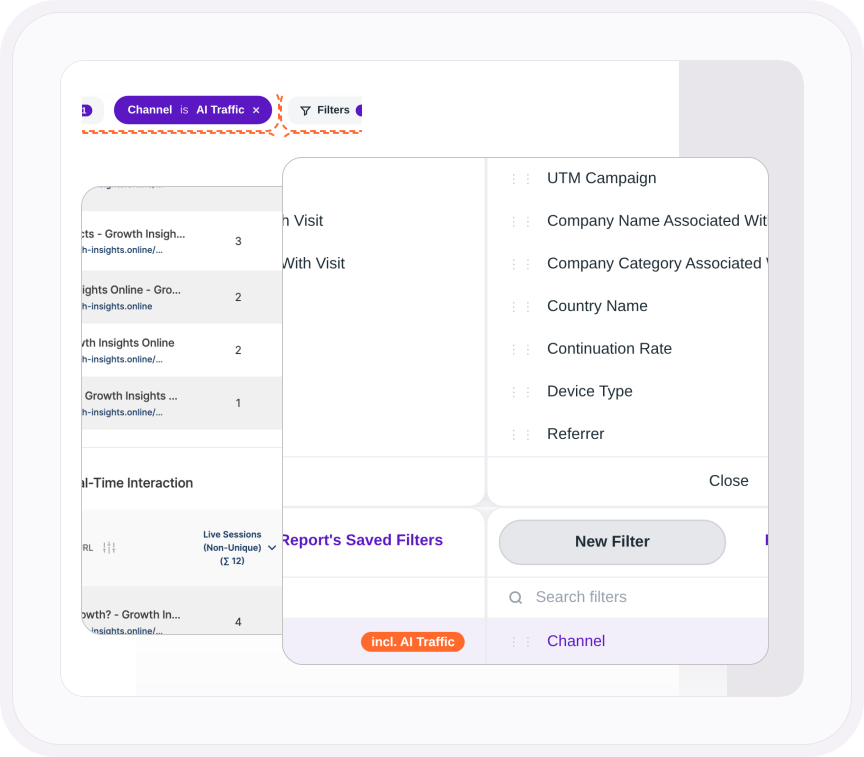
See what's happening on your website: who's there, where they came from, what they did, and how you compare to your sector.
- Live Visitor Activity →
Who is on your website this second, and what they're looking at. Zero delay - Traffic Sources & Exit Paths →
Every route in, including AI. Every click out - Audience Intelligence →
Who your visitors are, what they use, and which companies they work for - Campaign Engagement →
What your UTM traffic did after the click, down to the creative that worked - Competition, Industry & Regional Benchmarking →
Your numbers against the real average for your sector and region, as well as wider market comparisons - eCommerce Analytics →
What sold, and the channel, campaign and company behind every order
STAGE 2 OF 4
Analyze (Behavior)
How are visitors actually engaging with my website?
See how visitors actually behave on your pages: what they click, how far they scroll, where they get stuck, and what they'd tell you if you asked.
- Event Tracking & Visitor Journey Analysis →
Every button, form and click recorded automatically, and anything else you define, read back as one journey. - Heatmaps →
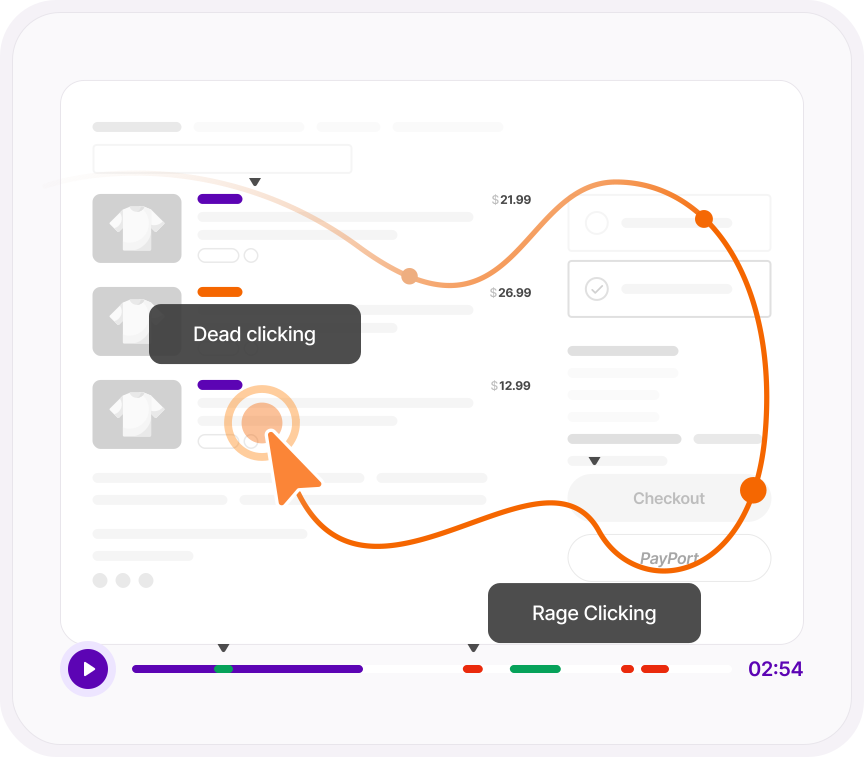
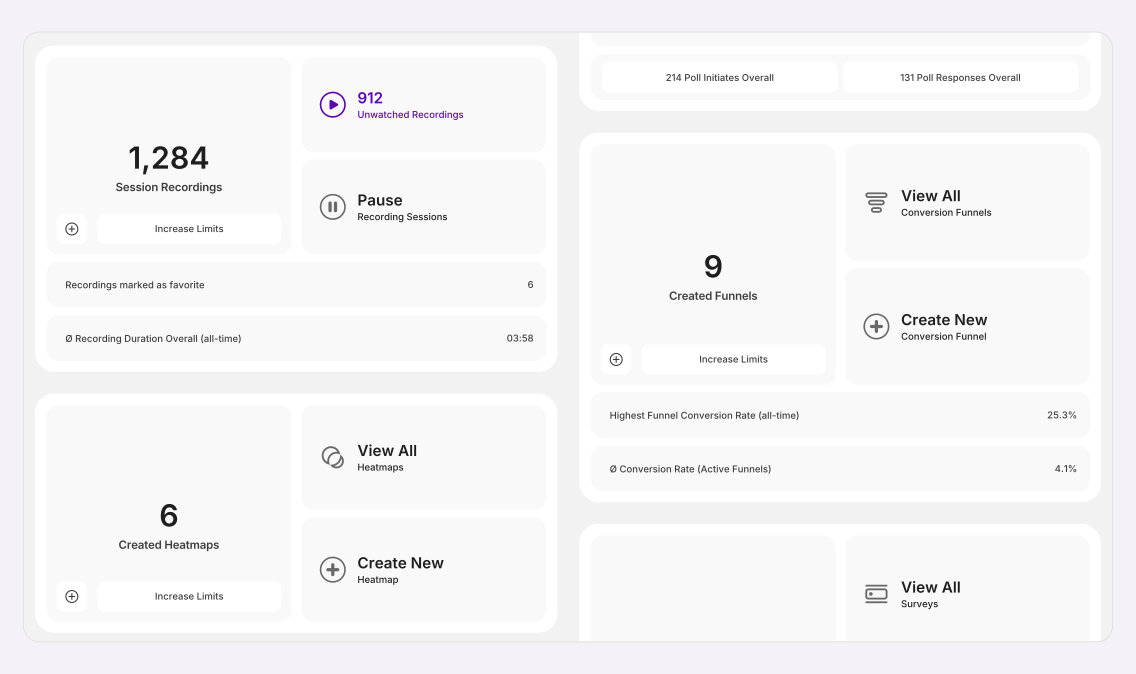
Where they click, move and scroll, on one page or every page like it. With the numbers. - Session Recordings →
Real visits replayed, filtered down to the ones that matter before you press play. - UX Health Score & Friction Monitoring →
Automatically flags rage clicks, dead clicks, form validation loops, and viewport errors, summarized into a single UX Health Score. - Visitor Surveys & Polls →
Ask visitors why, with a poll on the page it's about or a survey you send anywhere. Poll answers come tied to the visitor who gave them.
STAGE 3 OF 4
Understand (Outcomes)
What's driving or hurting my website results?
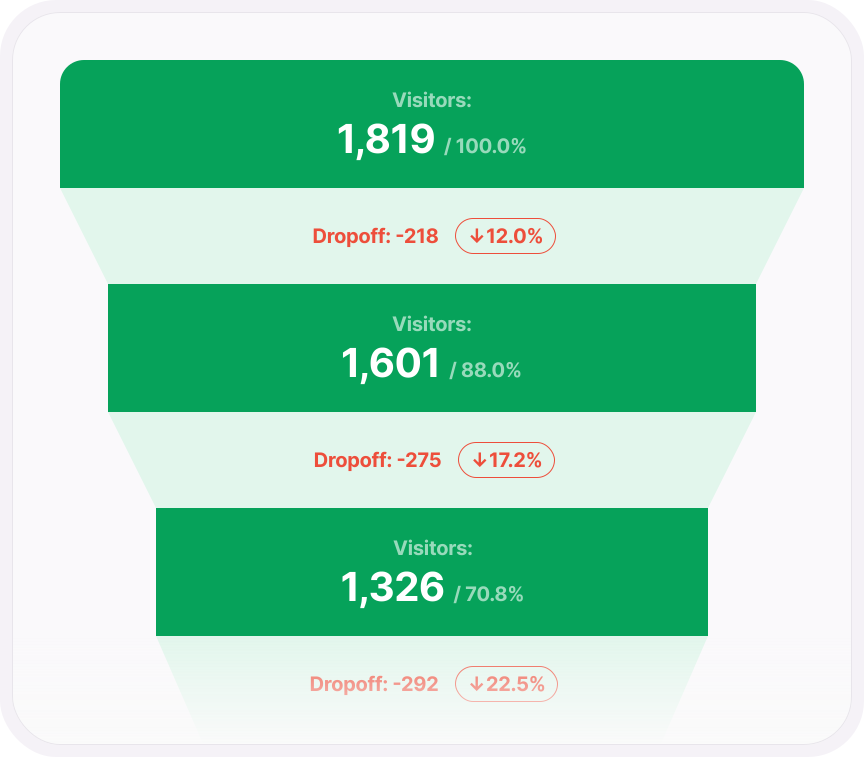
See what visitor behavior is costing you: what each dropoff is worth, which source pays for itself, and what's worth fixing first.
- Conversion & Revenue Tracking →
Put a clear financial value on every conversion step. See which campaign, channel, and company earned it, build visual funnels, and pinpoint exact drop-off leaks.
STAGE 4 OF 4
Act (Educated)
How do I execute a data-backed growth strategy?
Your data stops just describing the problem and starts giving you the exact playbooks to fix it.
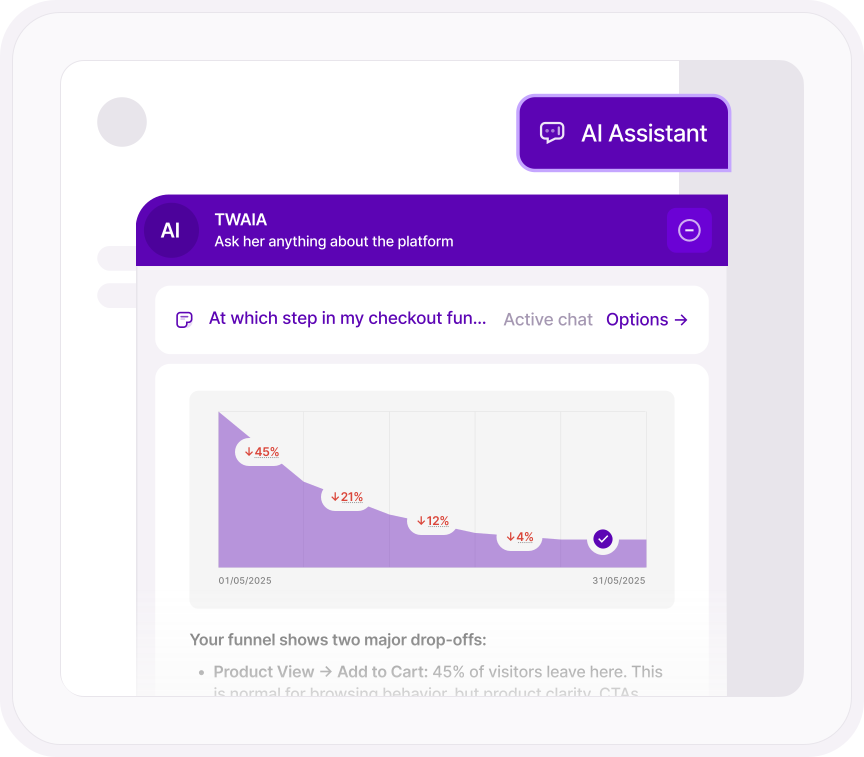
- TWAIA AI Assistant →
Ask questions in plain language and get instant answers built from your live site data . Complete with charts, root-cause diagnoses, and recommended next steps. - Growth Engine →
Automated action cards for content creation, UX friction fixes and GEO/AI citations. Ranked by projected traffic and conversion impact.
Why it's one platform
Fourteen tools that work as one
Most analytics stacks are separate tools that never talk to each other. TWIPLA is one platform, so every tool shares the same data, the same setup and the same filters.
Talk to a human
Bring the question you can’t answer today
Tell us about your website and what you need to know. A member of our team will reply by email and show you exactly where TWIPLA finds the answer.
Thanks, we have your message
A member of our Sales team will reply to your email soon.
